
All apps · 0 apps
Custom WebUI CSS
Plugin from Wu23333
Overview
A simple plugin for injecting custom CSS into the Unraid WebUI. Supports additional CSS for the Black theme and synchronization of additional asset files (such as background images).
Readme
View on GitHubUnraid Simple Custom WebUI CSS Plugin
Only tested on Unraid 7.2+
This plugin provides a simple, persistent way to inject custom CSS globally into the Unraid WebGUI. Allows you to customize Unraid's WebUI. It is built for Unraid 7.2 and later. (For older Unraid versions <=7.1.4, you can use the more powerful Theme Engine plugin by Skitals)
Note that this plugin is NOT a replacement for Theme Engine, it just provide an textarea to input and store a single CSS file then include it in <head> on every page. You need to manage locally by yourself if you have multiple CSS files to switch.
Install
Navigate to Plugins -> Install Plugin and input this URL:
https://github.com/WuSiYu/unraid-custom-css/raw/refs/heads/master/custom.css.plg
Usage and Configuration
- Navigate to Settings -> Utilities -> Custom WebUI CSS.
- Paste your custom CSS code into the large text field.
- Click Apply & Save.
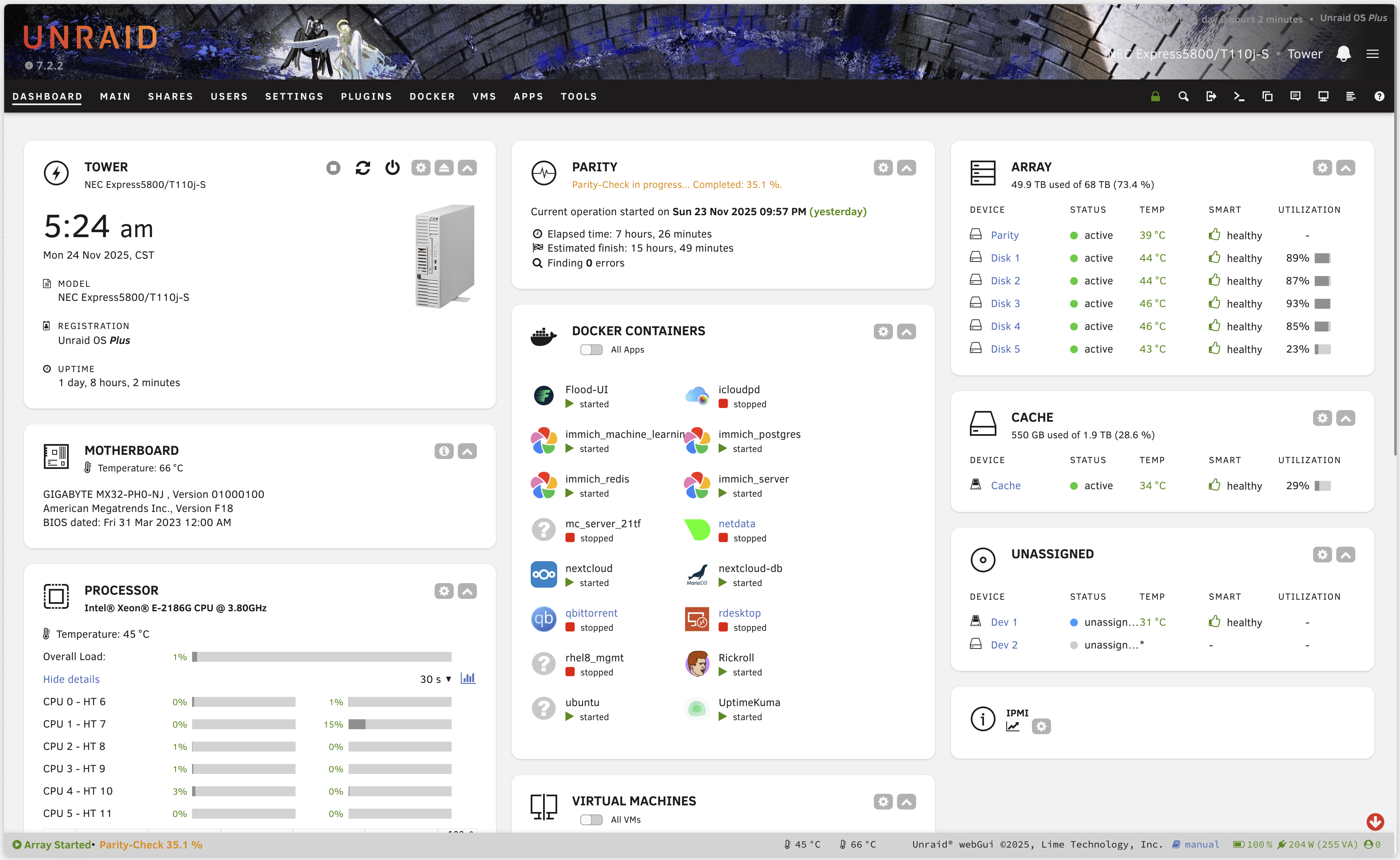
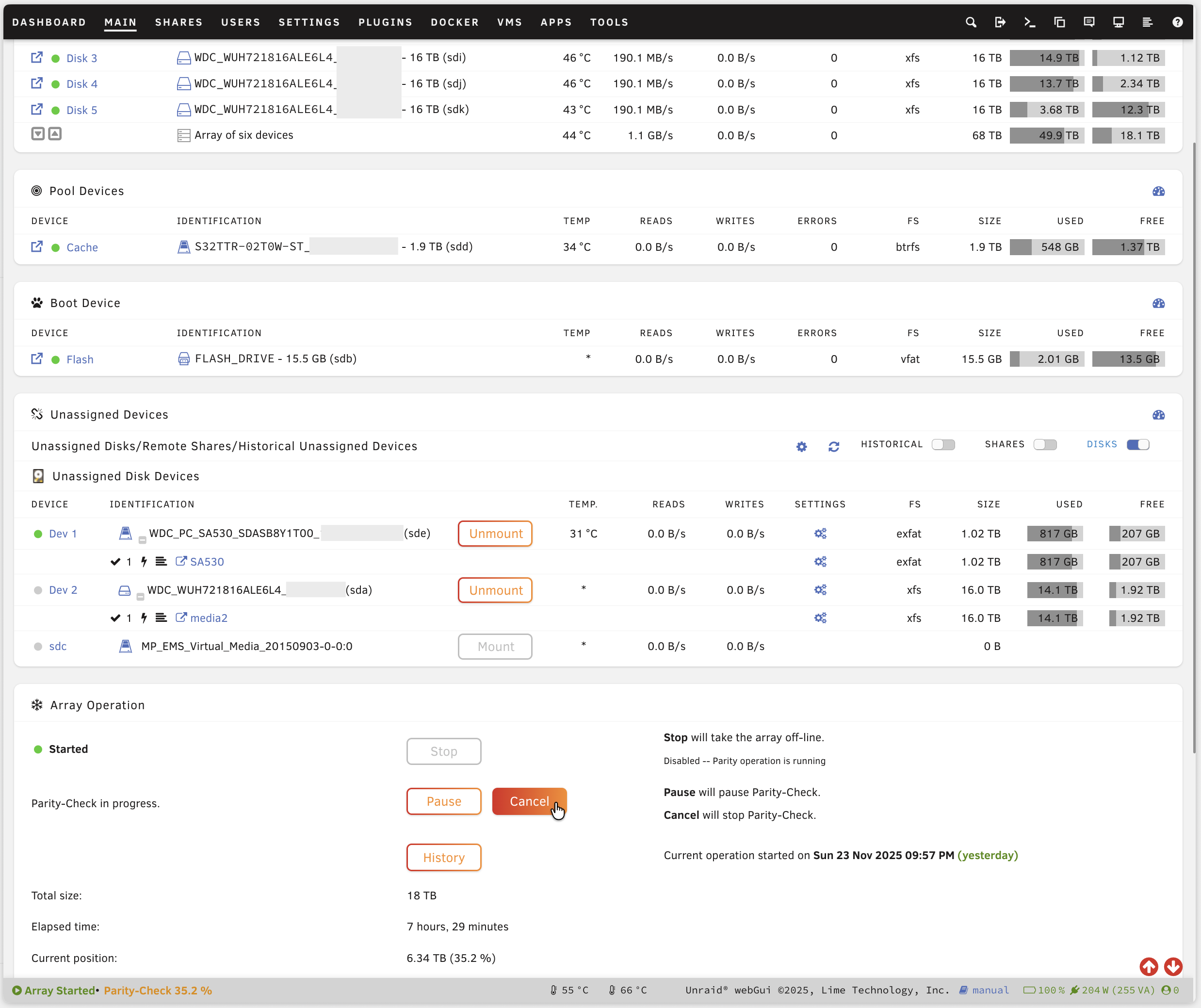
I also provide my own CSS config as an example (see example.css):
Categories
Download Statistics
29
Total Downloads
51
This Month
191
Avg / Month
Downloads by Month
Loading chart...
Related apps
Explore more like this
Explore allDetails
Repository
https://raw.githubusercontent.com/WuSiYu/unraid-custom-css/refs/heads/master/custom.css.plgLast Updated2026-10-14
First Seen2025-12-05