
All apps · 0 apps

channeltube
Docker app from JPDVM2014's Repository
Overview
Readme
View on GitHub

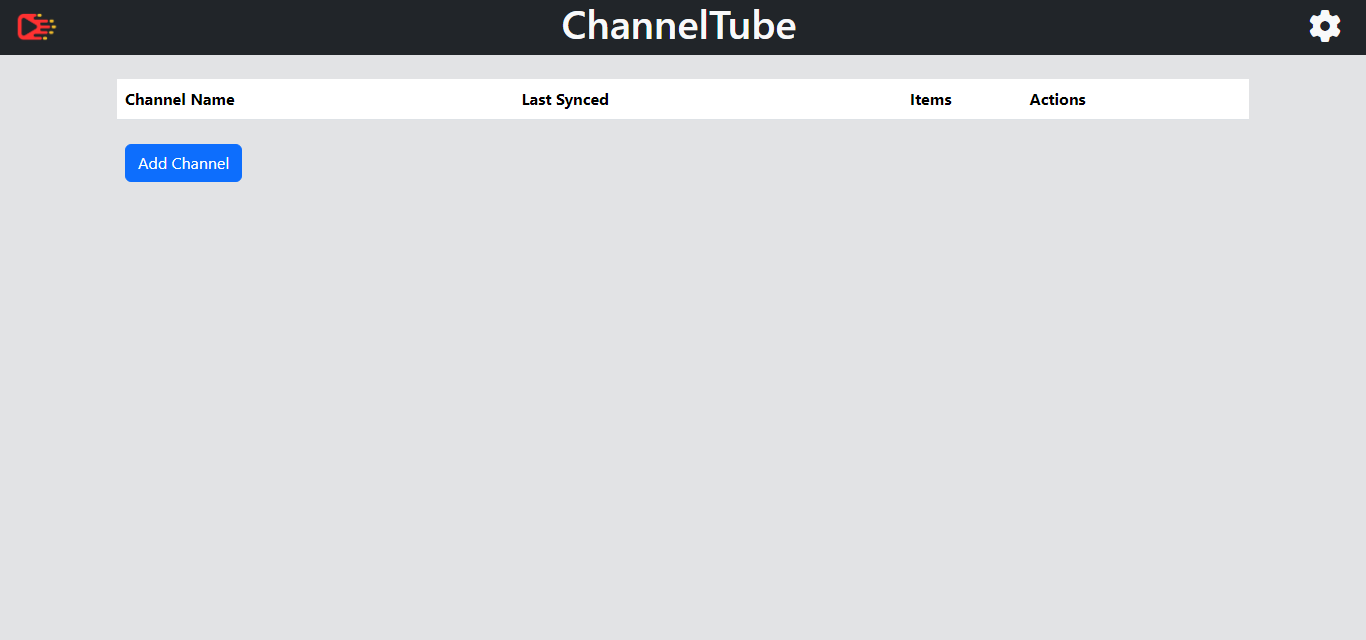
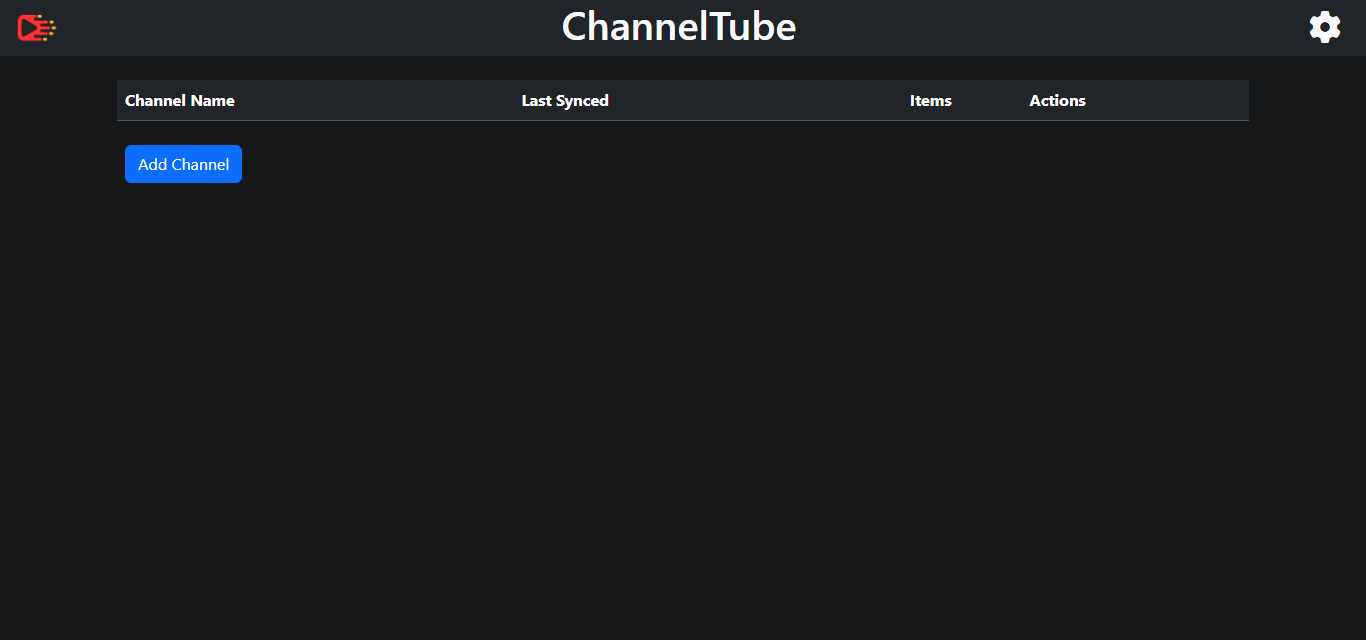
ChannelTube is a tool for synchronizing and fetching content from YouTube channels using yt-dlp.
Run using docker-compose
services:
  channeltube:
    image: thewicklowwolf/channeltube:latest
    container_name: channeltube
    volumes:
      - /path/to/config:/channeltube/config
      - /data/media/video:/channeltube/downloads
      - /data/media/audio:/channeltube/audio_downloads
      - /etc/localtime:/etc/localtime:ro
    ports:
      - 5000:5000
    restart: unless-stopped
Configuration via environment variables
Certain values can be set via environment variables:
- PUID: The user ID to run the app with. Defaults to
1000. - PGID: The group ID to run the app with. Defaults to
1000. - video_format_id: Specifies the ID for the video format. The default value is
137. - audio_format_id: Specifies the ID for the audio format. The default value is
140. - defer_hours: Defines the time to defer in hours. The default value is
0. - thread_limit: Sets the maximum number of threads to use. The default value is
1. - fallback_vcodec: Specifies the fallback video codec to use. Defaults to
vp9. - fallback_acodec :Specifies the fallback audio codec to use. Defaults to
mp4a. - subtitles: Controls subtitle handling. Options:
none,embed,external. Defaults tonone. - subtitle_languages: Comma-separated list of subtitle languages to include. Defaults to
en. - include_id_in_filename: Include Video ID in filename. Set to
trueorfalse. Defaults tofalse. - verbose_logs: Enable verbose logging. Set to
trueorfalse. Defaults tofalse. - short_video_cutoff: Time-based cutoff (in seconds) used to filter short videos. Videos with runtime shorter than this value will be ignored. Defaults to
180. - auto_update_hour: Enables automatic nightly update of yt-dlp when set to a value between
0 and 23(24-hour clock). The update will run once per day during the specified hour. If unset or set to any value outside0–23, automatic updates are disabled. Default isdisabled - ytdlp_update_type: Update type for yt-dlp. Options:
stable(default) ornightly(uses pre-release builds).
For information on format IDs, refer to https://github.com/yt-dlp/yt-dlp
Sync Schedule
Use a comma-separated list of hours to search for new items (e.g. 2, 20 will initiate a search at 2 AM and 8 PM).
Note: There is a deadband of up to 10 minutes from the scheduled start time.
Media Server Integration (optional)
A media server library scan can be triggered when new content is retrieved.
For Plex, use: Plex: http://192.168.1.2:32400
For Jellyfin, use: Jellyfin: http://192.168.1.2:8096
To use both, enter: Plex: http://192.168.1.2:32400, Jellyfin: http://192.168.1.2:8096
The same format applies for the tokens.
The Media Server Library Name refers to the name of the library where the videos are stored.
To disable this feature:
- Leave Media Server Addresses, Media Server Tokens and Media Server Library Name blank.
Cookies (optional)
To utilize a cookies file with yt-dlp, follow these steps:
Generate Cookies File: Open your web browser and use a suitable extension (e.g. cookies.txt for Firefox) to extract cookies for a user on YT.
Save Cookies File: Save the obtained cookies into a file named
cookies.txtand put it into the config folder.
Categories
Download Statistics
Total Downloads Over Time
Related apps
Explore more like this
Explore allLinks
Details
thewicklowwolf/channeltube:latestRuntime arguments
- Web UI
http://[IP]:[PORT:5000]/- Network
bridge- Shell
sh- Privileged
- false
Template configuration
- Target
- /channeltube/config
- Value
- /mnt/user/appdata/channeltube
Set share where video downloads will be stored
- Target
- /channeltube/downloads
- Default
- /mnt/user/channeltube/video
- Value
- /mnt/user/channeltube/video
Set share where audio downloads will be stored
- Target
- /channeltube/audio_downloads
- Default
- /mnt/user/channeltube/audio
- Value
- /mnt/user/channeltube/audio
- Target
- 5000
- Default
- 5000
- Value
- 5000
- Target
- /etc/localtime
- Value
- /etc/localtime
- Value
- 99
- Value
- 100