
All apps · 0 apps
Bots
Docker app from Dotumzane's Repository
Overview
Readme
View on GitHubBots
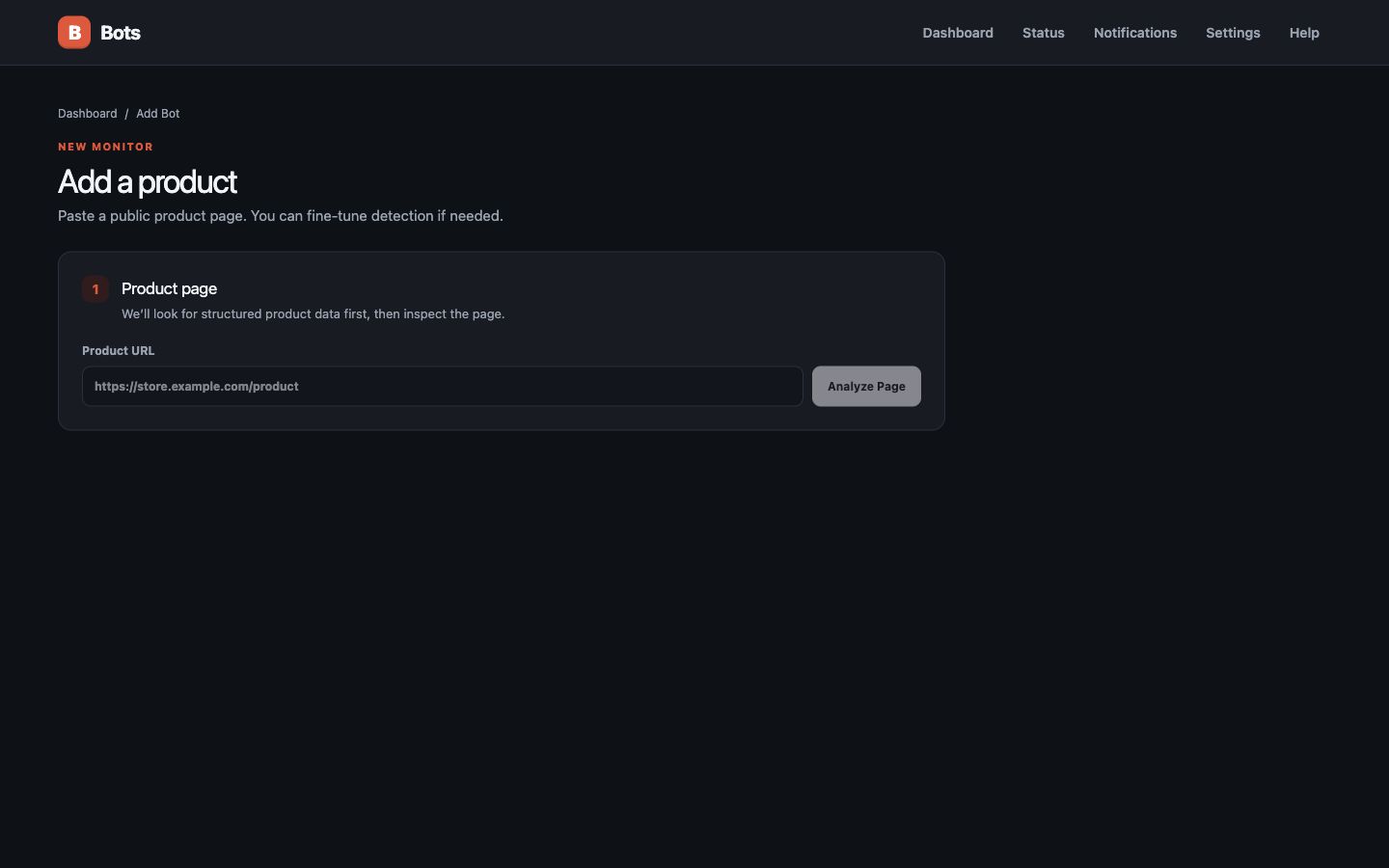
Bots is a private, self-hosted product, website, and server monitor designed for Unraid. It watches prices, availability, uptime, response time, DNS, and TLS certificates, keeps history, and alerts you when a meaningful confirmed change occurs.
Screenshots
Support and bug reports
Please remove passwords, tokens, email addresses, and private URLs from screenshots and logs before submitting a report. Report security vulnerabilities privately through GitHub Security Advisories.
Features
- JSON-LD, Open Graph/meta, common-selector, visible-text, CSS-selector, and optional Chromium detection
- Price/availability history with two-result confirmation to reduce false positives
- HTTP and TCP uptime checks with latency graphs, outage confirmation, recovery alerts, DNS change detection, and TLS-expiry warnings
- Price drop, target price, back-in-stock, out-of-stock, price-increase, failure, and recovery events
- Discord, Gotify, Pushover, Telegram, SMTP configuration, and generic webhook channels
- Encrypted notification secrets, SSRF protection, public-address DNS validation, redirect revalidation, timeouts, and response-size limits
- One SQLite database; all durable state lives under
/data - Separate scheduler process with database locking and bounded concurrency
- Responsive light/dark interface designed for Unraid WebUI
- Interactive price-history charts with target lines and date filters
- Bot health diagnostics, confirmation status, warnings, and delivery activity
- Dashboard search, status filters, sorting, selection, and bulk controls
- Historical-low and product/variant-change alerts with notification cooldowns
- Variant labels and CSS-based variant value tracking
- Per-bot notification channel assignment and test-alert delivery
Unraid installation
Download unraid/bots.xml from this repository and copy it to /boot/config/plugins/dockerMan/templates-user/my-bots.xml. In Unraid, choose Docker → Add Container → Bots. The template pulls ghcr.io/dotumzane/bots:latest, maps /data to /mnt/user/appdata/bots, and exposes the WebUI on port 3847.
Docker Compose
docker compose up --build -d
Open http://localhost:3847. Configuration and the SQLite database are stored in ./data.
Notification setup
Open Notifications, choose a provider, enter its credentials, save, and use Test. Secrets are AES-256-GCM encrypted using a key generated at /data/encryption.key. Back up that key with the database.
Website compatibility and limitations
Bots works best on public product pages with Schema.org Product data. Some websites block automated clients, require authentication, use CAPTCHAs, or render data in unusual ways. Bots does not bypass those controls. JavaScript-rendered pages may need browser mode; ambiguous pages may need manual CSS selectors. Respect site terms and choose conservative intervals.
Security design
Only HTTP(S) URLs are accepted. DNS is resolved before requests; loopback, private, link-local, carrier-grade NAT, multicast, and metadata hosts are rejected. Redirect destinations are rechecked. Responses, redirects, and execution times are bounded. Chromium runs in a separate process and no product HTML is rendered by the application UI. Provider secrets are never returned by APIs.
This is designed primarily for a trusted home network and does not currently include user authentication. Put it behind an authenticated reverse proxy before exposing it to the internet.
Backup and restore
Stop the container and back up /mnt/user/appdata/bots, especially bots.db and encryption.key. The Settings page exports non-secret configuration as JSON. Restore both the database and key together.
Development
Requires Node.js 20+.
cp .env.example .env
npm install
npx playwright install chromium
npm run prisma:generate
npm run prisma:migrate
npm run dev
Run the scheduler separately with npm run worker. Other commands: npm run build, npm run start, npm test, npm run test:e2e, npm run lint, and npm run typecheck.
Testing and stable releases
Development happens on the testing branch. Every push to testing runs the test suite and publishes:
ghcr.io/dotumzane/bots:testing
After testing succeeds, merge testing into main. Every push to main runs the same checks and publishes the stable Community Applications image:
ghcr.io/dotumzane/bots:latest
To test on Unraid without risking stable Bots data, create a second container with the name Bots-Testing, repository ghcr.io/dotumzane/bots:testing, a different WebUI port such as 3848, and a separate appdata folder such as /mnt/user/appdata/bots-testing.
Publish an image from macOS
With Docker Desktop running and authenticated to GHCR:
npm run docker:publish
This builds linux/amd64 locally and publishes ghcr.io/dotumzane/bots:latest. Use npm run docker:publish-testing to publish the testing tag instead. Normal pushes to main and testing build automatically in GitHub Actions, while manual workflow runs remain available as a fallback.
Architecture
Next.js App Router serves React pages and Zod-validated REST endpoints. Prisma owns SQLite. The detector fetches pages through the SSRF guard, parses static HTML first, and optionally falls back to Playwright. A separate worker claims due rows, runs bounded checks, confirms changes, persists states/events, and dispatches modular providers.
API routes include /api/analyze, CRUD under /api/bots, manual/pause/resume/history actions, notification-channel CRUD/testing, settings import/export, and /api/health.
Troubleshooting
- Database errors: verify
/datais writable andDATABASE_URL=file:/data/bots.db. - Chromium errors: confirm the image includes Playwright Chromium and enough shared memory.
- No detected price: inspect the page’s structured data and add a price CSS selector.
- Access blocked: increase the interval or stop monitoring; Bots does not circumvent blocks.
- Notifications fail: test the channel and verify firewall/DNS access from the container.
Community Applications submission
The submission-ready Unraid template is unraid/bots.xml. It installs the public linux/amd64 image from GHCR and persists all application state under /data.
Maintainer submission details and the final verification checklist are in unraid/COMMUNITY_APPS.md.
Install Bots on Unraid in a few clicks.
Find Bots in Community Apps on your Unraid server, review the template, and click Install. Unraid handles the Docker app or plugin setup from the published template.
Categories
Related apps
Explore more like this
Explore allDetails
ghcr.io/dotumzane/bots:latestRuntime arguments
- Web UI
http://[IP]:[PORT:3847]- Network
bridge
Template configuration
Bots web interface
- Target
- 3847
- Default
- 3847
- Value
- 3847
Database, configuration, cache, and encryption key
- Target
- /data
- Default
- /mnt/user/appdata/bots
- Value
- /mnt/user/appdata/bots
IANA time zone
- Target
- TZ
- Default
- America/Los_Angeles
- Value
- America/Los_Angeles
Optional user ID
- Default
- 99
- Value
- 99
Optional group ID
- Default
- 100
- Value
- 100
Optional file creation mask
- Default
- 022
- Value
- 022