
All apps · 0 apps

BDInfo
Docker app from pegasbur's Repository
Overview
Readme
View on GitHub

BDInfo for Unraid & Docker
A lightweight browser interface for Blu-ray structure and bitrate analysis, powered by autobrr/go-bdinfo.






BDInfo discovers BDMV folders and ISO images from server-side storage, identifies playlists, performs bitrate scans and presents standard report views from the completed scan.
The primary tested platform is AMD64 Unraid. The container can also run on a standard Docker host, including Docker Desktop.
This is an unofficial community project. It is not maintained or endorsed by autobrr, the original BDInfo project or Unraid.
Contents
- Features
- Quick start on Unraid
- Quick start with Docker
- Docker Compose
- Image tags
- Files and persistence
- Updating
- Network access and security
- Upstream engine baseline
- Remark
- Support and development
Features
- Browse configured server-side locations for BDMV folders and ISO images
- Persist multiple source locations and favorites under
/config/config.json - Discover disc metadata and playlists without a full bitrate scan
- Detect the main playlist and distinguish available and filtered playlists
- Scan the main playlist, selected playlists, or the complete disc
- Show live scan progress and support cancellation
- Render Standard, Summary, and Forums report views from the stored scan result
- Copy reports and export TXT or NFO files
- Light and dark themes
- React/TypeScript frontend embedded into a single static Go server binary
- Minimal scratch-based runtime container
Screenshots
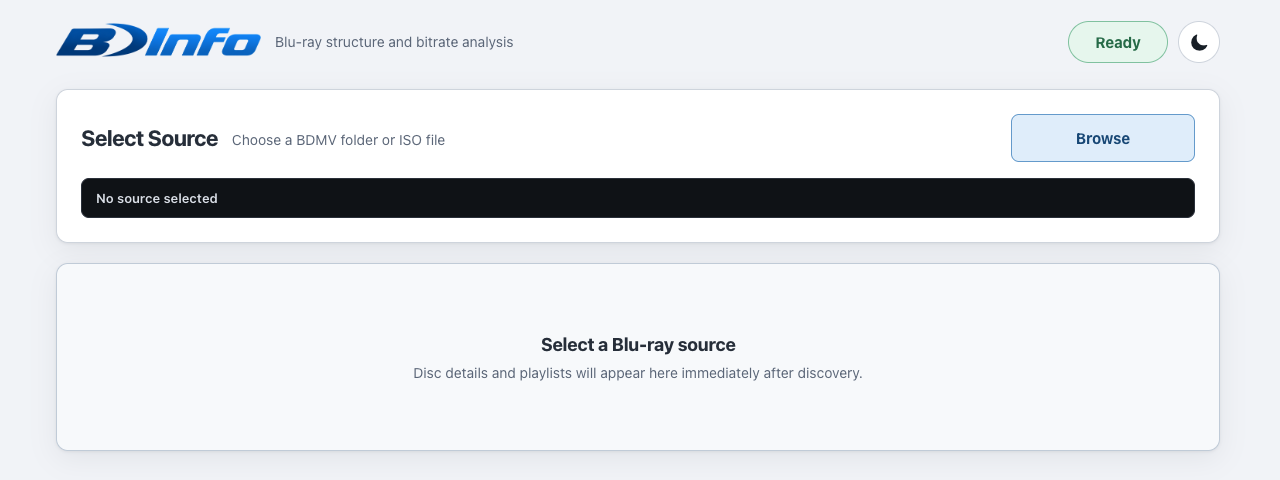
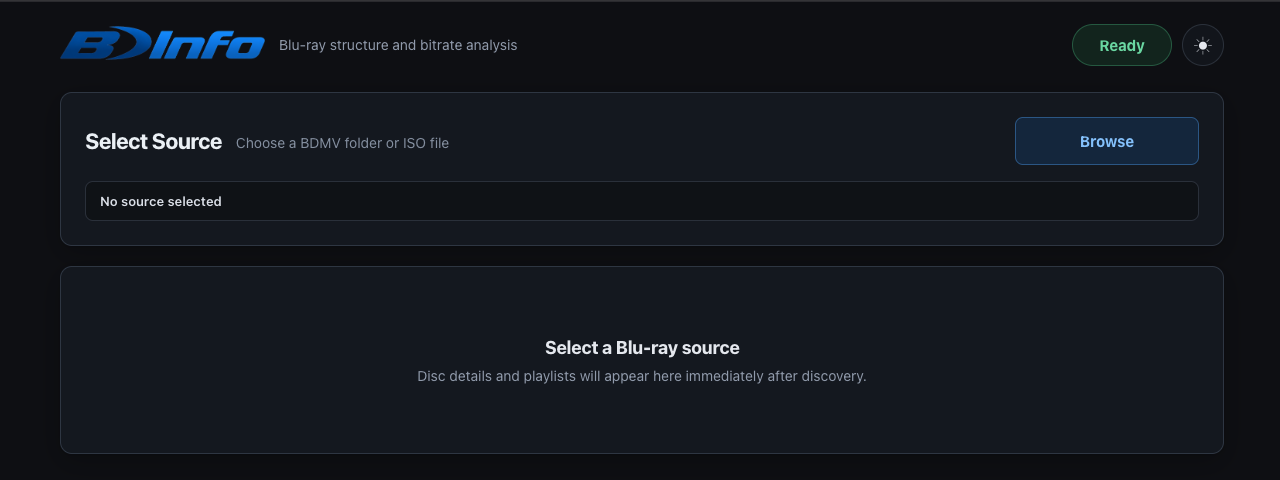
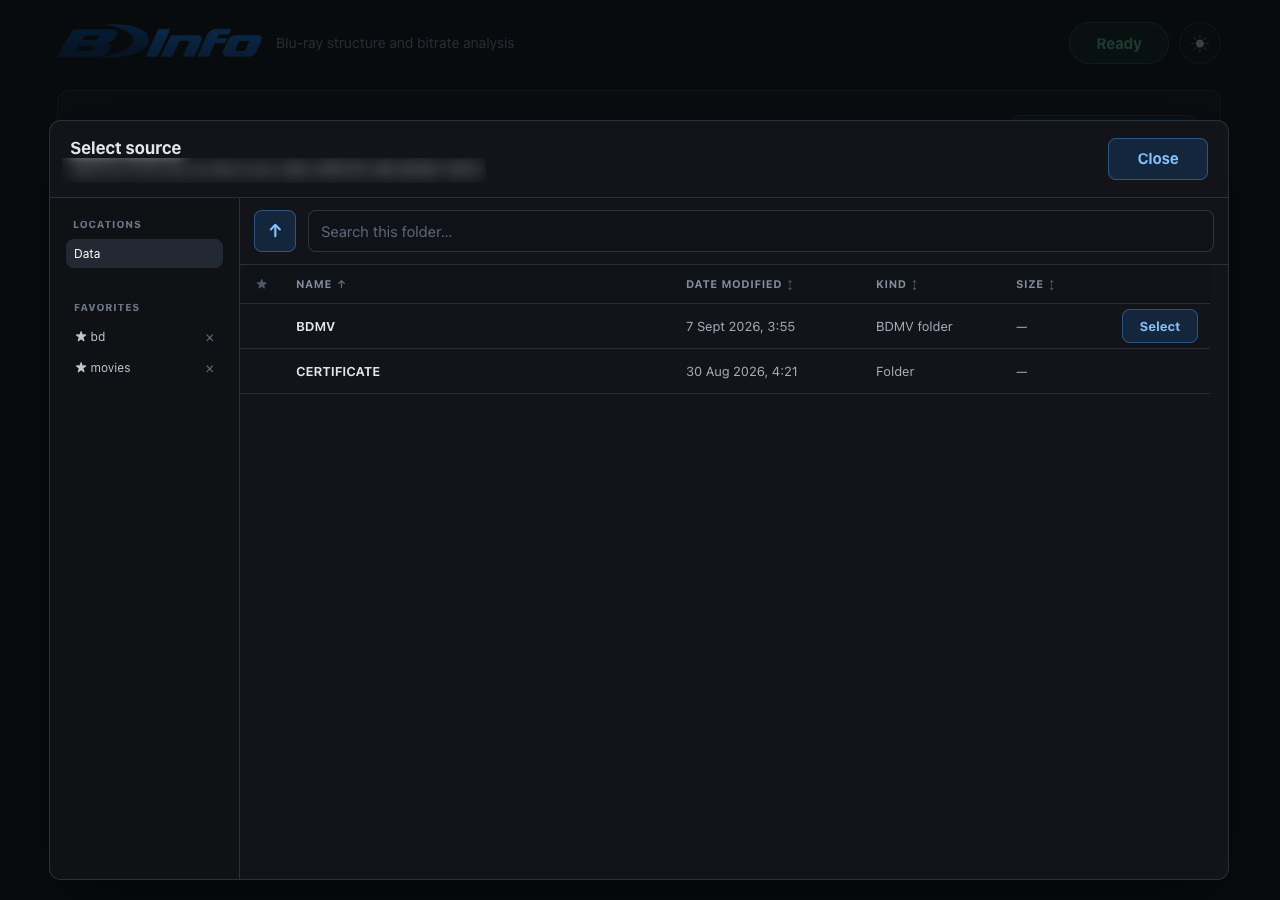
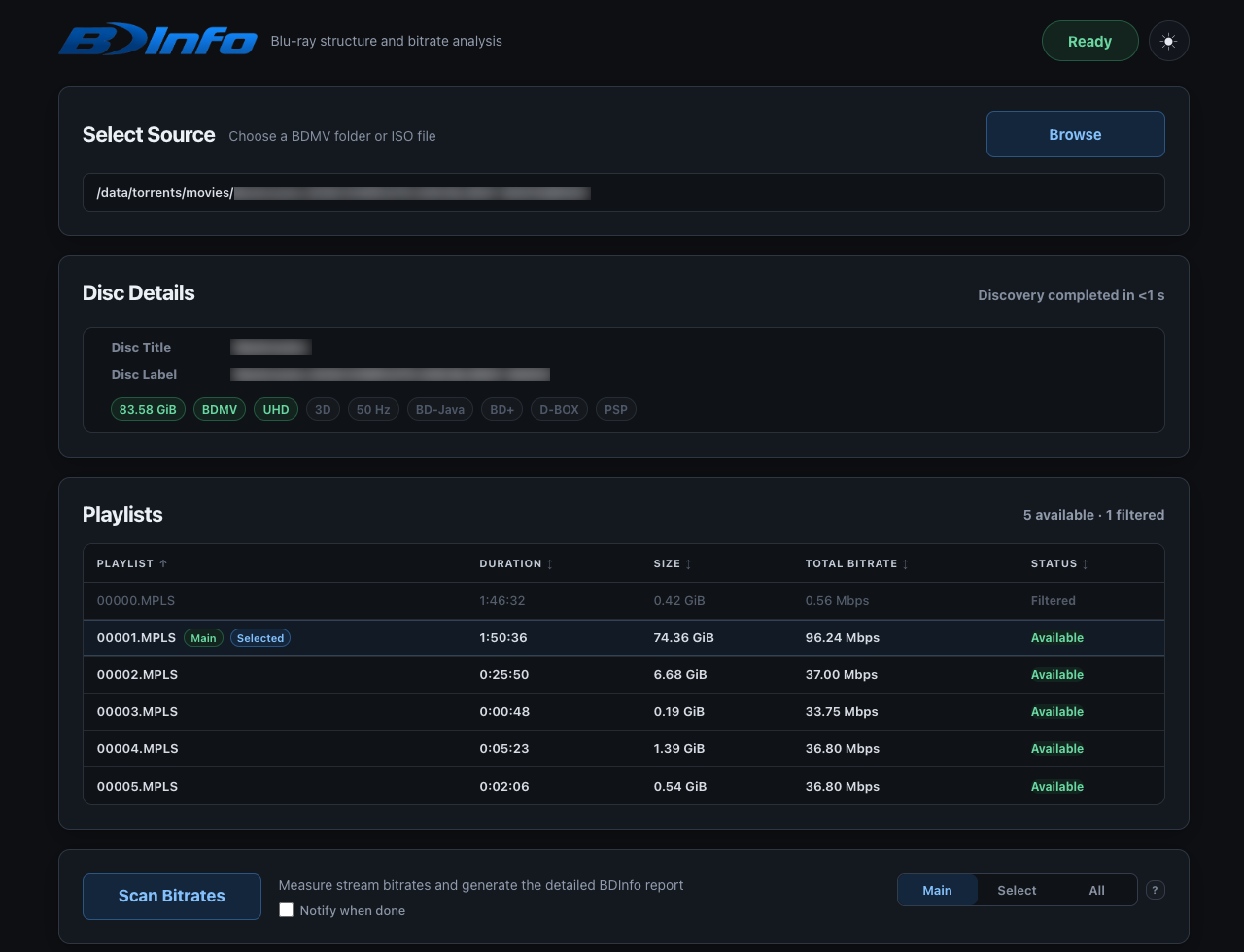

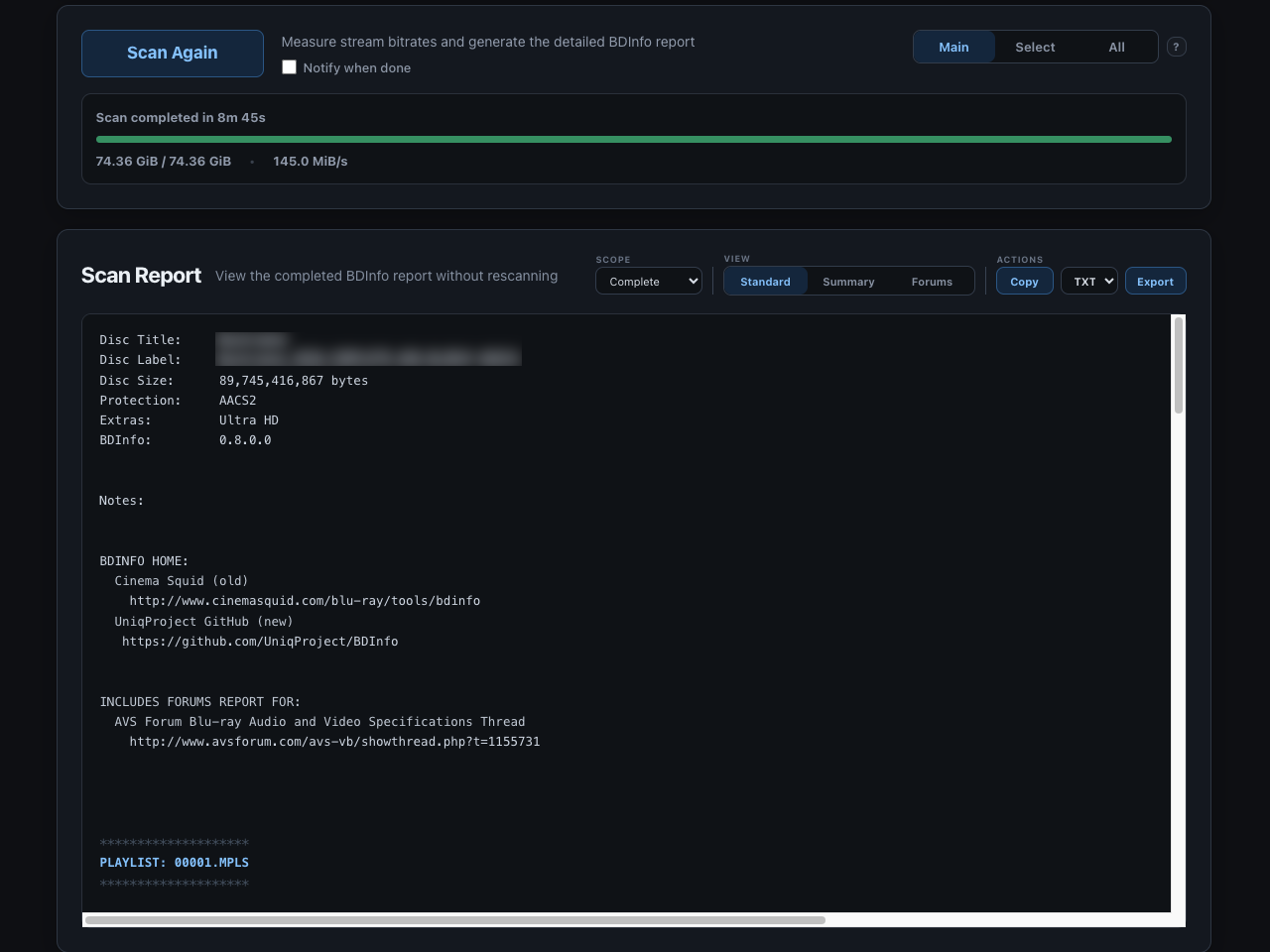
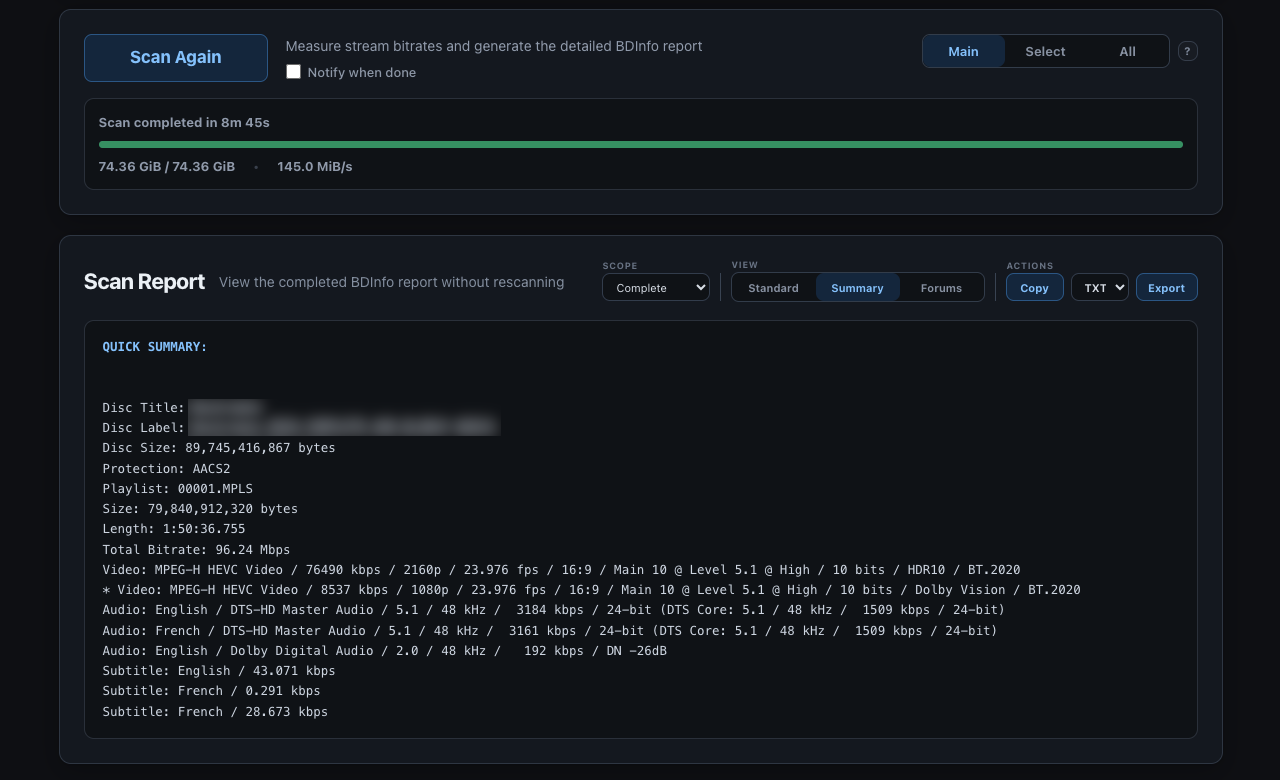
Click any screenshot to view it full size.
Quick start on Unraid
BDInfo is not yet listed in Community Applications. Until a CA submission is published, install the user template manually.
From an Unraid terminal:
curl -fsSL \
  https://raw.githubusercontent.com/pegasbur/bdinfo/main/unraid/my-bdinfo.xml \
  -o /boot/config/plugins/dockerMan/templates-user/my-bdinfo.xml
Then open Docker > Add Container and select BDInfo from the template list.
During installation:
- Confirm the appdata path. The default is
/mnt/user/appdata/bdinfo. - Confirm the media path. The default is
/mnt/user/data, mounted read-only as/datainside the container. - Confirm the WebUI host port. The default is
4646. - Apply the template and open its WebUI.
The default address is:
http://UNRAID-IP:4646
The host port can be changed if 4646 is already in use.
Quick start with Docker
Create persistent configuration and choose a media directory:
mkdir -p /srv/bdinfo/config /srv/media
Run the container:
docker run -d \
  --name bdinfo \
  --restart unless-stopped \
  -p 4646:4646 \
  -v /srv/bdinfo/config:/config \
  -v /srv/media:/data:ro \
  ghcr.io/pegasbur/bdinfo:latest
Change the host paths and port for your system. Then open:
http://DOCKER-HOST-IP:4646
Docker Compose
Copy the example environment file:
cp .env.example .env
Review the image, container name, WebUI port, appdata path, and media path in .env.
Start the container:
docker compose up -d
The default Compose configuration maps host port 4646 to container port 4646, persists /config, and mounts /data read-only.
Image tags
| Image tag | Intended use |
|---|---|
ghcr.io/pegasbur/bdinfo:latest |
Current tested BDInfo wrapper release |
ghcr.io/pegasbur/bdinfo:0.4.2 |
Current upstream go-bdinfo application-version tag |
ghcr.io/pegasbur/bdinfo:0.4.2-r1 |
Immutable upstream-version and wrapper-revision tag |
Files and persistence
The principal container paths are the same on Unraid and Docker:
| Typical Unraid host path | Container path | Access | Purpose |
|---|---|---|---|
/mnt/user/appdata/bdinfo |
/config |
read/write | Application configuration, configured locations, and favorites |
/mnt/user/data |
/data |
read-only | Blu-ray folders, ISO images, and other source media |
The application stores its persistent configuration in:
/config/config.json
Correctly mapped /config and /data directories remain available when the container is updated or replaced.
Additional host directories can be mapped when required.
Updating
Unraid
Once published through Community Applications, use Unraid's normal Check for Updates and Update controls. The /config and /data mappings remain unchanged when the container is replaced.
Docker
Pull the current image and recreate the container using the same port and volume mappings:
docker pull ghcr.io/pegasbur/bdinfo:latest
Docker Compose users can run:
docker compose pull
docker compose up -d
Network access and security
The WebUI is intended for a trusted LAN, Tailscale, or a secured reverse proxy and should not be exposed directly to the public Internet. For remote access, use a private network such as Tailscale or place BDInfo behind an authenticated HTTPS reverse proxy.
The application reads media through server-side volume mappings; it does not upload Blu-ray or ISO content through the browser.
Upstream engine baseline
The current application is intentionally pinned to:
github.com/autobrr/go-bdinfo v0.4.2
Upstream engine updates should be handled through the compatibility/update pipeline: update the pinned dependency, build and test the wrapper, review the result, and then publish a new image version.
Remark
BDInfo may not function correctly with copy-protected discs. You may have to decrypt commercial Blu-ray movie discs before you will be able to gather any info.
Support and development
Container, WebUI-wrapper, Docker, and Unraid-template issues belong to this project. Upstream Blu-ray parsing or report-generation issues should be confirmed against autobrr/go-bdinfo before being reported upstream.
Categories
Related apps
Explore more like this
Explore allDetails
ghcr.io/pegasbur/bdinfo:latestRuntime arguments
- Web UI
http://[IP]:[PORT:4646]/- Network
bridge- Privileged
- false
Template configuration
Browser interface over HTTP.
- Target
- 4646
- Default
- 4646
- Value
- 4646
Persistent BDInfo configuration, including locations, favorites, and application settings.
- Target
- /config
- Default
- /mnt/user/appdata/bdinfo
- Value
- /mnt/user/appdata/bdinfo
Blu-ray folders and ISO images. Select media under /data inside BDInfo. Source media is mounted read-only.
- Target
- /data
- Default
- /mnt/user/data
- Value
- /mnt/user/data