
All apps · 0 apps

backapp
Docker app from Tajniak81's Repository
Overview
Readme
View on GitHubBackApp
BackApp is a Go + React application that lets automatically schedule and inspect backups of remote servers via SSH.
It is a very lightweight server (< 50 MB) that runs locally (or on a dedicated machine) and provides a web interface to manage backup profiles.
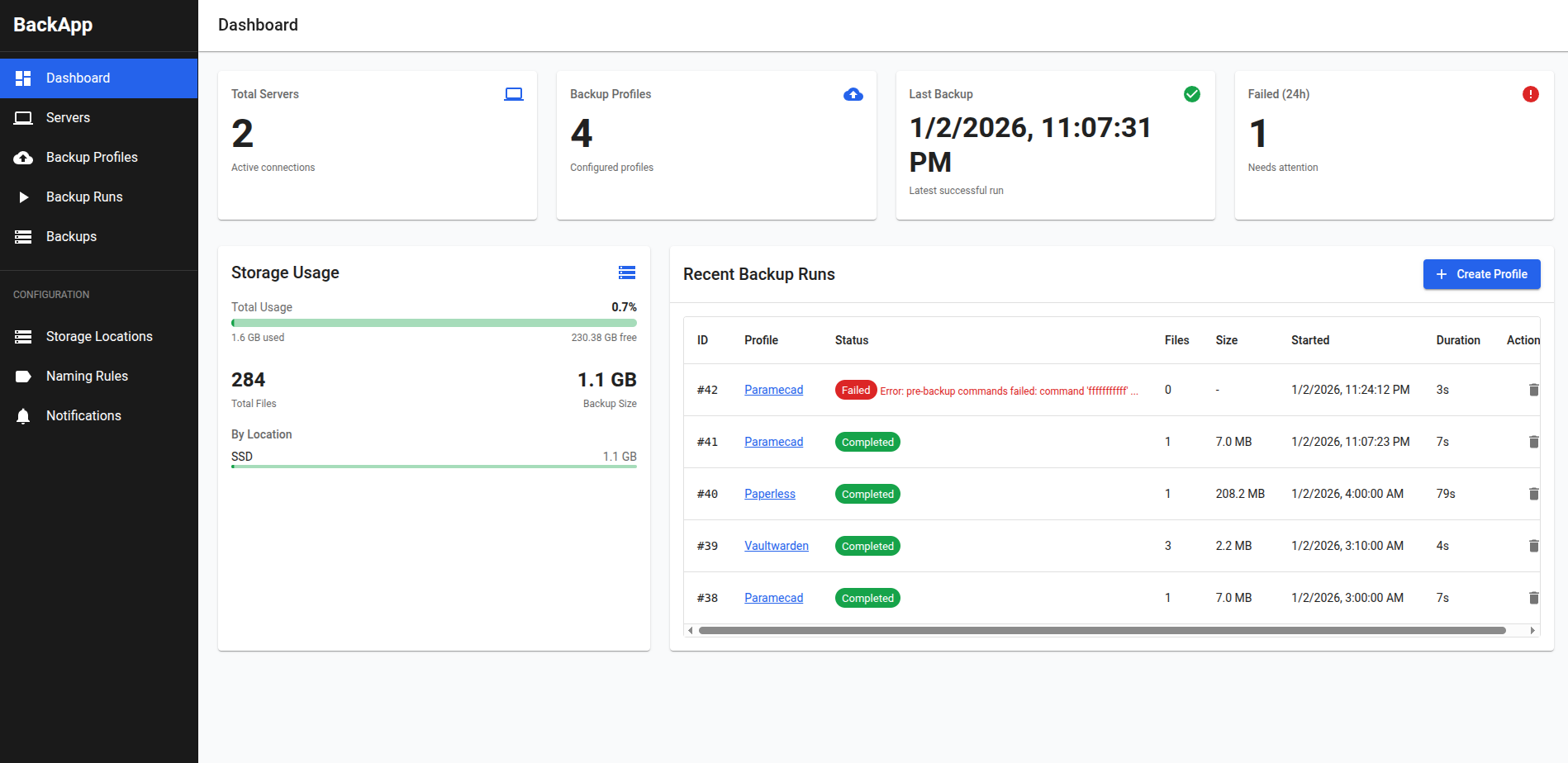
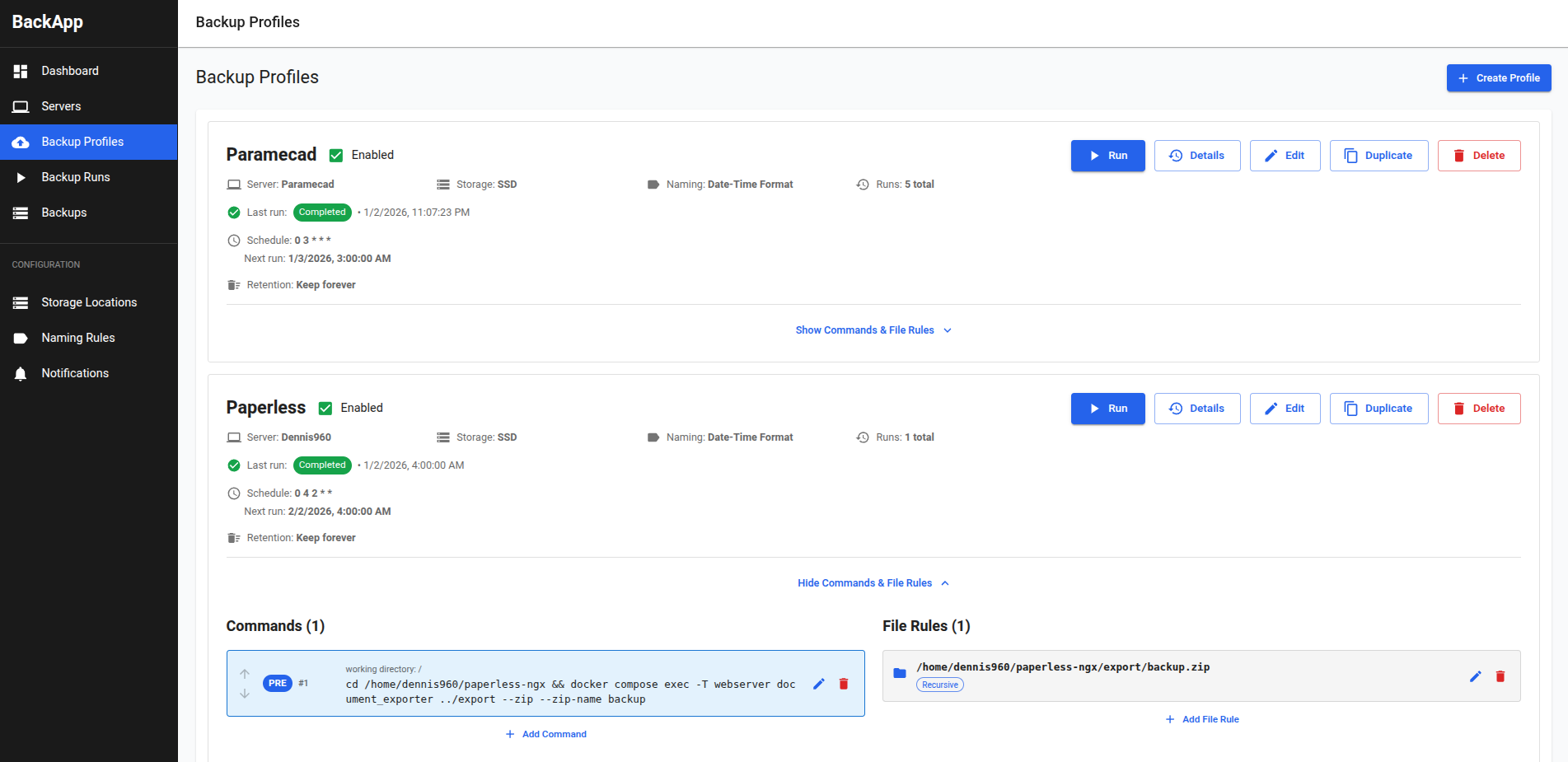
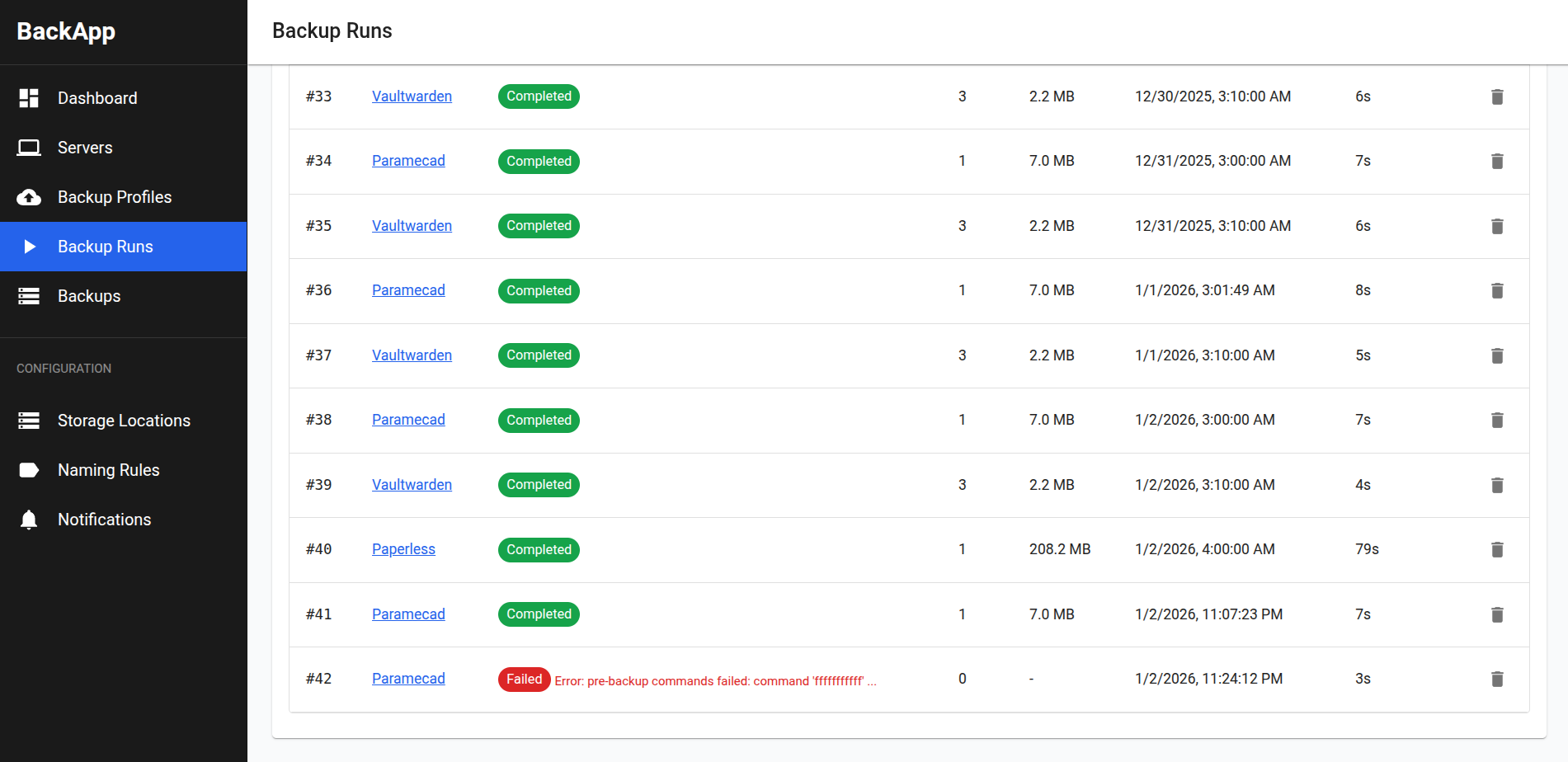
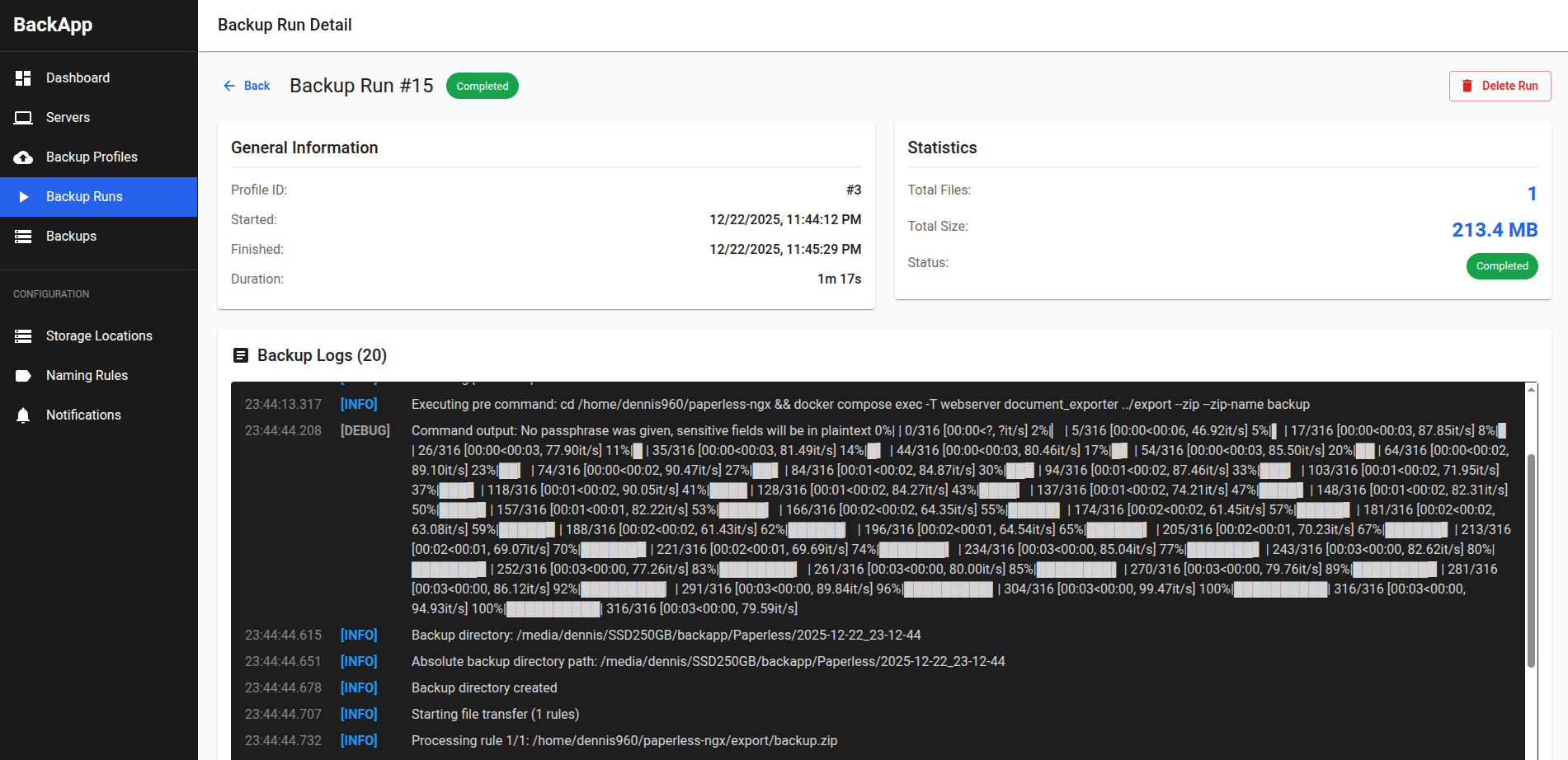
⚠️ Warning: Any text you enter in the ui will be saved in plaintext. If you enter passwords or secrets, they will be displayed in the logs in plaintext and stored in the database locally in plaintext. Make sure only you have access to the web interface and the machine running BackApp.
Features
- Add multiple remote servers via SSH using password or key authentication.
- Create storage locations and naming rules for backups.
- Storage locations are the place on your local machine where backups are stored.
- Naming rules define what the folder with the backups will be called.
- Create backup profiles using a flexible template engine or create one from scratch.
- Each profile can have pre- and post-backup commands that run on the remote server before and after the backup.
- You can define file rules to include/exclude specific paths in the backup.
- View detailed logs of each backup run, including success/failure status and output of commands.
- Schedule backups using cron expressions.
- Simple and intuitive web interface built with React and Material-UI.
- Deleting backups, backup profiles, and servers with confirmation dialogs to prevent accidental deletions.
- Automatic retention policy to clean up old backups based on user-defined rules.
Configuration
BackApp supports the following command-line flags:
-port- Port to run the server on (default:8080)-db- SQLite database path (default:/data/app.db)
Examples:
# Run on a different port
./backapp -port=9090

# Use a custom database location
./backapp -db=/custom/path/app.db

# Combine multiple flags
./backapp -port=9090 -db=/custom/path/app.db
Quick start
Native binary (recommended)
Download the latest release for your platform.
Run the binary, then open your browser to
http://localhost:8080. In case 8080 is in use, set a different port with-port=9090.In the web interface, create a Server which represents the remote server you want to back up.
- Provide the SSH connection details (hostname, port, username, authentication method).
Next, create a Backup Profile.
- Select the server you just created.
- Define the storage location on your local machine where backups will be stored.
- Set up the naming rule for the backup folders.
- Optionally, add pre- and post-backup commands to run on the remote server.
- Define file rules to include/exclude specific paths in the backup.
- Set the schedule for automatic backups using a cron expression.
Save the backup profile and trigger a manual backup run to test it.
Monitor the backup run in the web interface and view detailed logs.
Using Docker or Docker Compose
- Pull the latest image from GitHub Container Registry:
docker pull ghcr.io/dennis960/backapp:latest - Use the provided
docker-compose.ymlto run BackApp with Docker Compose:docker-compose up -d
Build from source
- Install Go (1.24+) and Node.js.
- Clone this repository.
- After installing the npm dependencies, build the frontend:
cd web npm install npm run build - A static bundle will be created in
server/static. - Now build the backend:
cd ../server go build -o backapp - Run the server:
./backapp -port=8080
Not supported
- Incremental backups
- Backup deduplication
- Restoring from backups
Categories
Related apps
Explore more like this
Explore allDetails
ghcr.io/dennis960/backapp:latestRuntime arguments
- Web UI
http://[IP]:[PORT:8080]/- Network
bridge- Shell
sh- Privileged
- false
Template configuration
BackApp WebUI
- Target
- 8080
- Default
- 8080
- Value
- 8080
Persistent application data
- Target
- /data
- Default
- /mnt/user/appdata/backapp/app-data
- Value
- /mnt/user/appdata/backapp/app-data
App backups
- Target
- /var/backups/app
- Default
- /mnt/user/appdata/backapp/backups/app
- Value
- /mnt/user/appdata/backapp/backups/app
Archive backups
- Target
- /var/backups/archive
- Default
- /mnt/user/appdata/backapp/backups/archive
- Value
- /mnt/user/appdata/backapp/backups/archive