
All apps · 0 apps

AutoThrottle
Docker app from JaiMistry's Repository
Overview
Readme
View on GitHub

AutoThrottle
Intelligently throttles download clients while a media server has active playback.




AutoThrottle dynamically lowers your download client speeds while something is playing on your media server, and restores them when playback stops. Set it up once and it looks after itself from then on. The throttling is aware of what is actually happening. A paused stream stays throttled, one that has sat paused or stalled for 30 minutes is let go, and playback on your own network can be ignored. When you want full speed regardless, one click turns throttling off until you turn it back on.
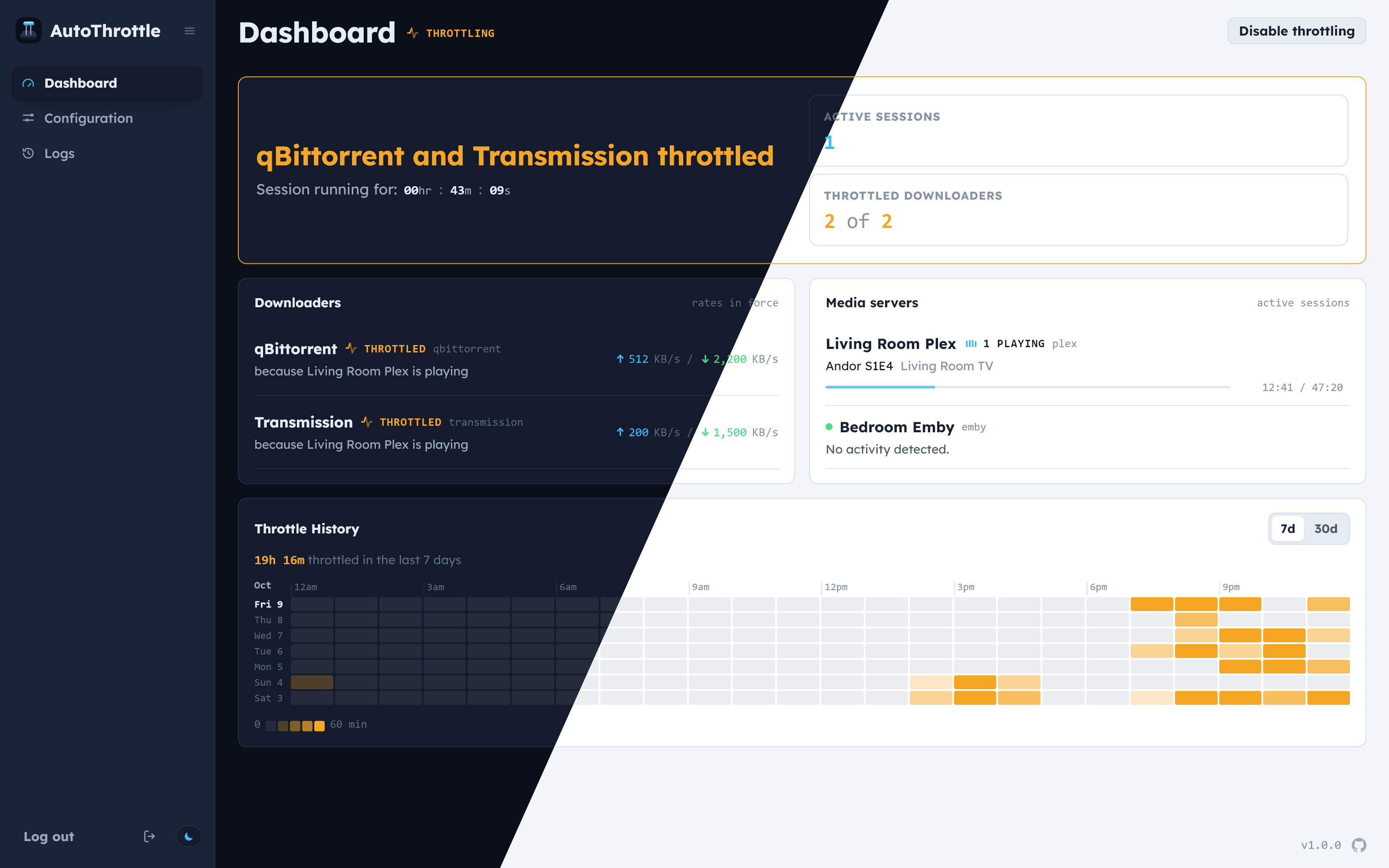
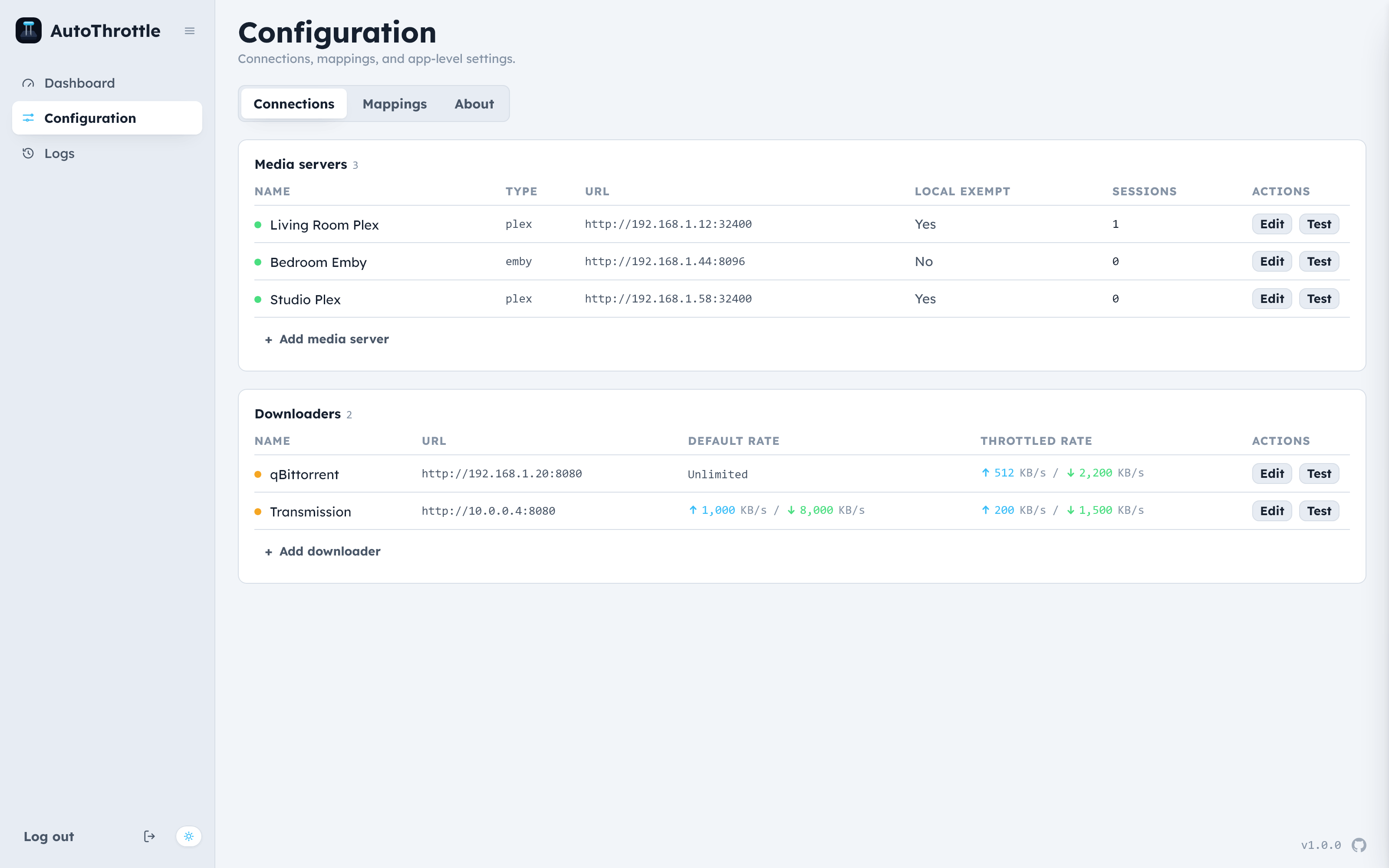
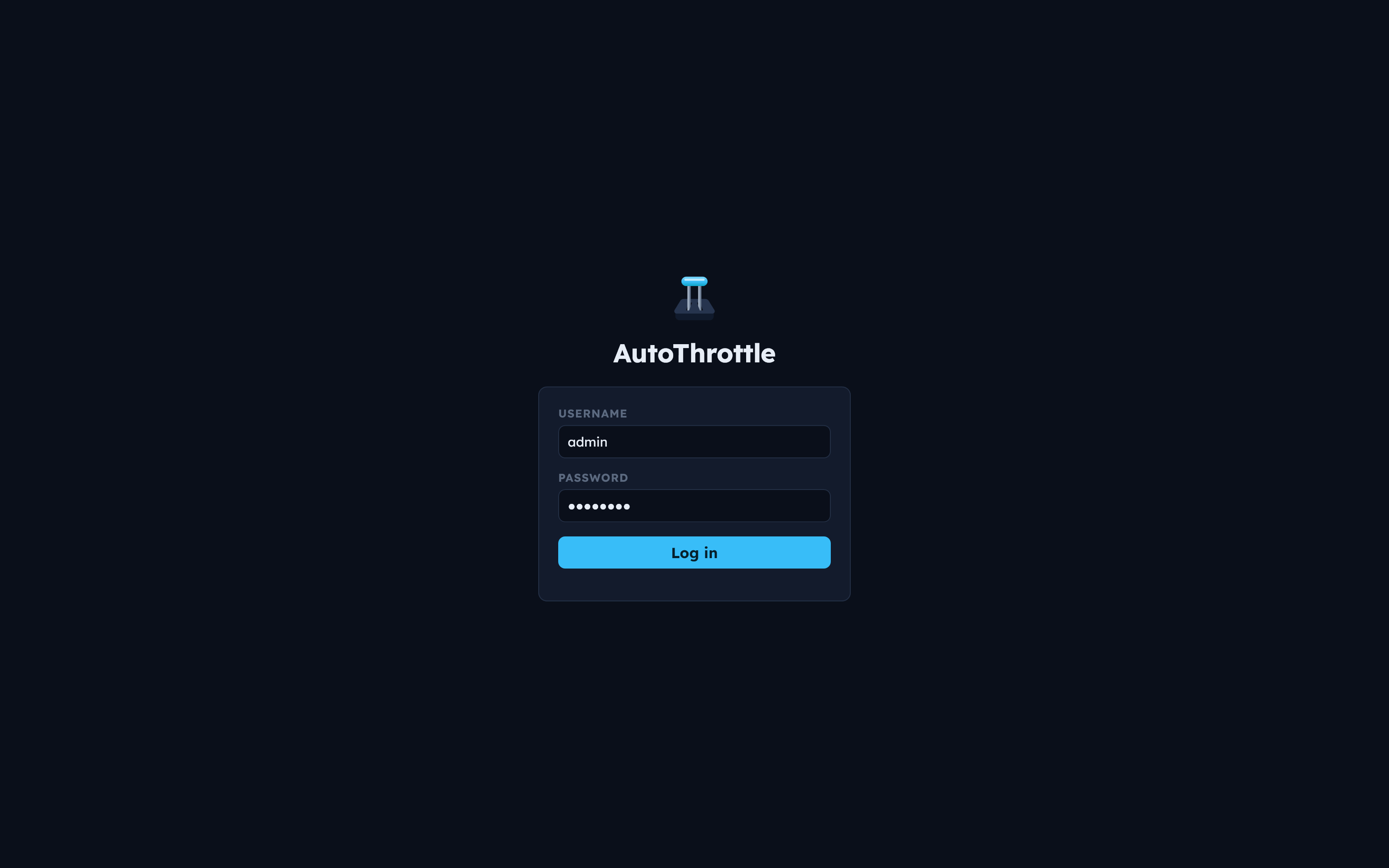
⭐ Features
- Live dashboard: a reactive modern UI.
- Real-time: detects within seconds, from each server's live feed.
- Mappings: control which applications are throttled.
- Pause-aware: a paused stream stays throttled, and an abandoned one is released.
- Local playback exemption: streams on your own network can be ignored.
- Restart-safe: rates are re-applied on startup, so nothing stays stuck slow.
- Throttle history: a heatmap of when your downloads were held back.
- Secure: all credentials securely encrypted.
- Lightweight: very small footprint.
🧩 Supported versions
| Media server | Version | |
|---|---|---|
 |
Plex Media Server | 1.43+ |
 |
Jellyfin | 10.11+ |
 |
Emby | 4.9+ |
| Download client | Version | |
|---|---|---|
 |
qBittorrent | 5.2+ |
 |
Transmission | 4.1+ |
🚀 Quick start
docker compose:
services:
  autothrottle:
    image: jaimistry/autothrottle:latest
    container_name: autothrottle
    environment:
      - PUID=1000
      - PGID=1000
      - TZ=America/Los_Angeles
    volumes:
      - /data:/data
    ports:
      - "7676:7676"
    restart: unless-stopped
docker run:
docker run -d \
  --name autothrottle \
  -e PUID=1000 \
  -e PGID=1000 \
  -e TZ=America/Los_Angeles \
  -v /data:/data \
  -p 7676:7676 \
  --restart unless-stopped \
  jaimistry/autothrottle:latest
⚙️ Environment variables
All are optional.
| Variable | Default | What it does |
|---|---|---|
TZ |
America/Los_Angeles |
Time zone for timestamps. |
PUID |
1000 |
User that owns the data folder. |
PGID |
1000 |
Group that owns the data folder. |
AUTH_USERNAME |
Sign-in username from the environment instead of creating an account. Set with AUTH_PASSWORD. |
|
AUTH_PASSWORD |
Sign-in password from the environment. Set with AUTH_USERNAME. |
|
AUTH_DISABLED |
false |
Turns off sign-in. Only use this behind a proxy that handles it. |
🛠️ First-time setup
Open http://<your-server>:7676 and create your account. Everything else
happens on the Configuration page:
Add a media server with its URL and token or API key. For Plex you can sign in with your Plex account instead of pasting a token.
Add a download client with two pairs of rates:
- Default rates, applied when nothing is playing.
- Throttled rates, applied while a mapped server is playing.
Rates are in KB/s, and
0means unlimited.Map them. Choose which media servers throttle which download clients.
License
Made with ❤️ by JaiMistry
Media gallery
1 / 2Requirements
Download Statistics
Related apps
Explore more like this
Explore allDetails
jaimistry/autothrottle:latestRuntime arguments
- Web UI
http://[IP]:[PORT:7676]- Network
bridge- Privileged
- false
Template configuration
Port for the web interface.
- Target
- 7676
- Default
- 7676
- Value
- 7676
Database and encryption key. Keep this folder to keep your settings and history.
- Target
- /data
- Default
- /mnt/user/appdata/autothrottle
- Value
- /mnt/user/appdata/autothrottle
User that owns the appdata folder.
- Default
- 99
- Value
- 99
Group that owns the appdata folder.
- Default
- 100
- Value
- 100
Optional. Sign-in username from here instead of creating an account in the WebUI. Set together with the password.
- Target
- AUTH_USERNAME
Optional. Sign-in password, set together with the username.
- Target
- AUTH_PASSWORD
Turns off sign-in. Only use this behind a reverse proxy that handles sign-in itself.
- Target
- AUTH_DISABLED
- Default
- false|true
- Value
- false