
All apps · 0 apps

authentik-server
Docker app from zuerrex's Repository
Overview
Readme
View on GitHub








What is authentik?
authentik is an open-source Identity Provider (IdP) for modern SSO. It supports SAML, OAuth2/OIDC, LDAP, RADIUS, and more, designed for self-hosting from small labs to large production clusters.
Our enterprise offering is available for organizations to securely replace existing IdPs such as Okta, Auth0, Entra ID, and Ping Identity for robust, large-scale identity management.
Installation
- Docker Compose: recommended for small/test setups. See the documentation.
- Kubernetes (Helm Chart): recommended for larger setups. See the documentation and the Helm chart repository.
- AWS CloudFormation: deploy on AWS using our official templates. See the documentation.
- DigitalOcean Marketplace: one-click deployment via the official Marketplace app. See the app listing.
Screenshots
| Light | Dark |
|---|---|
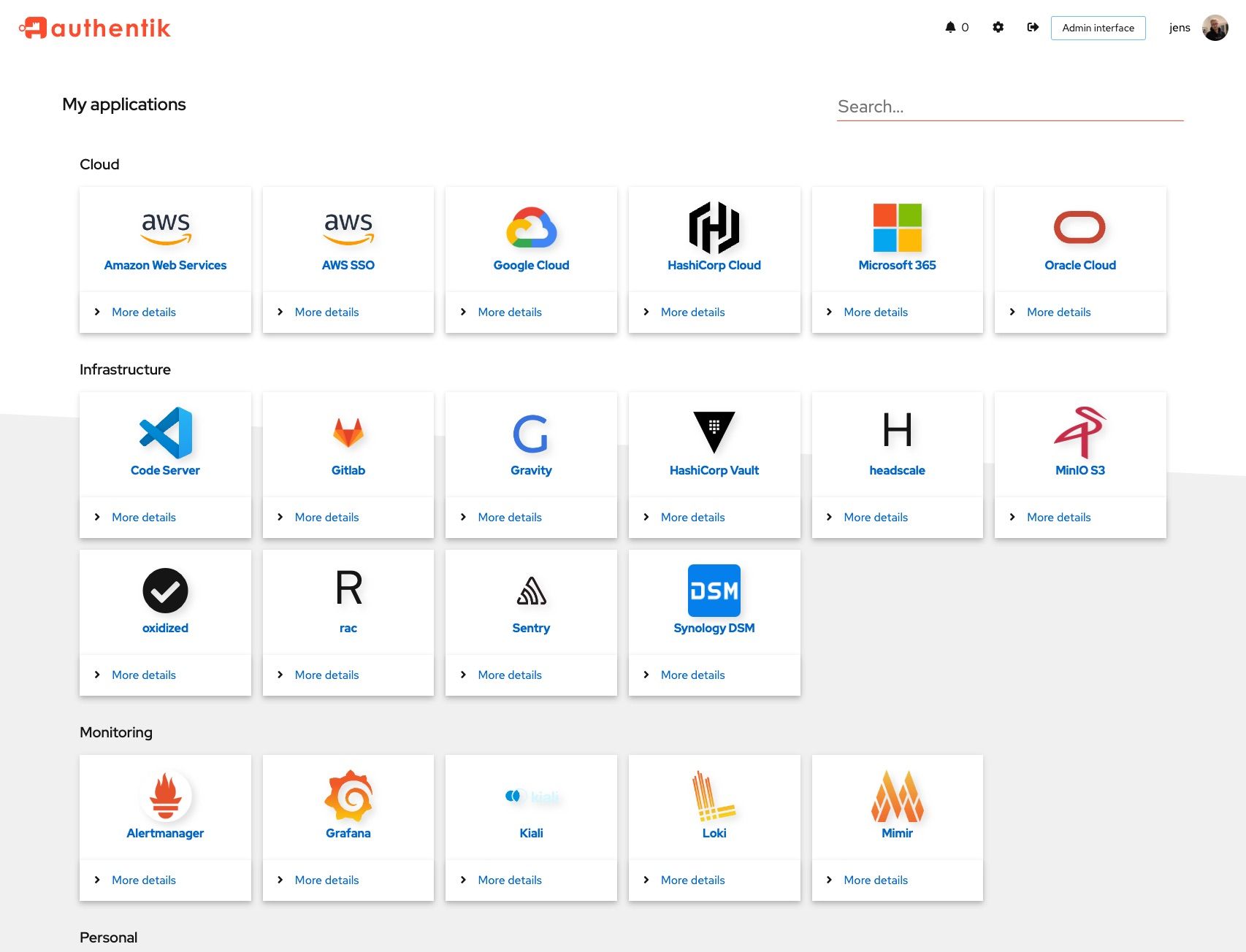 |
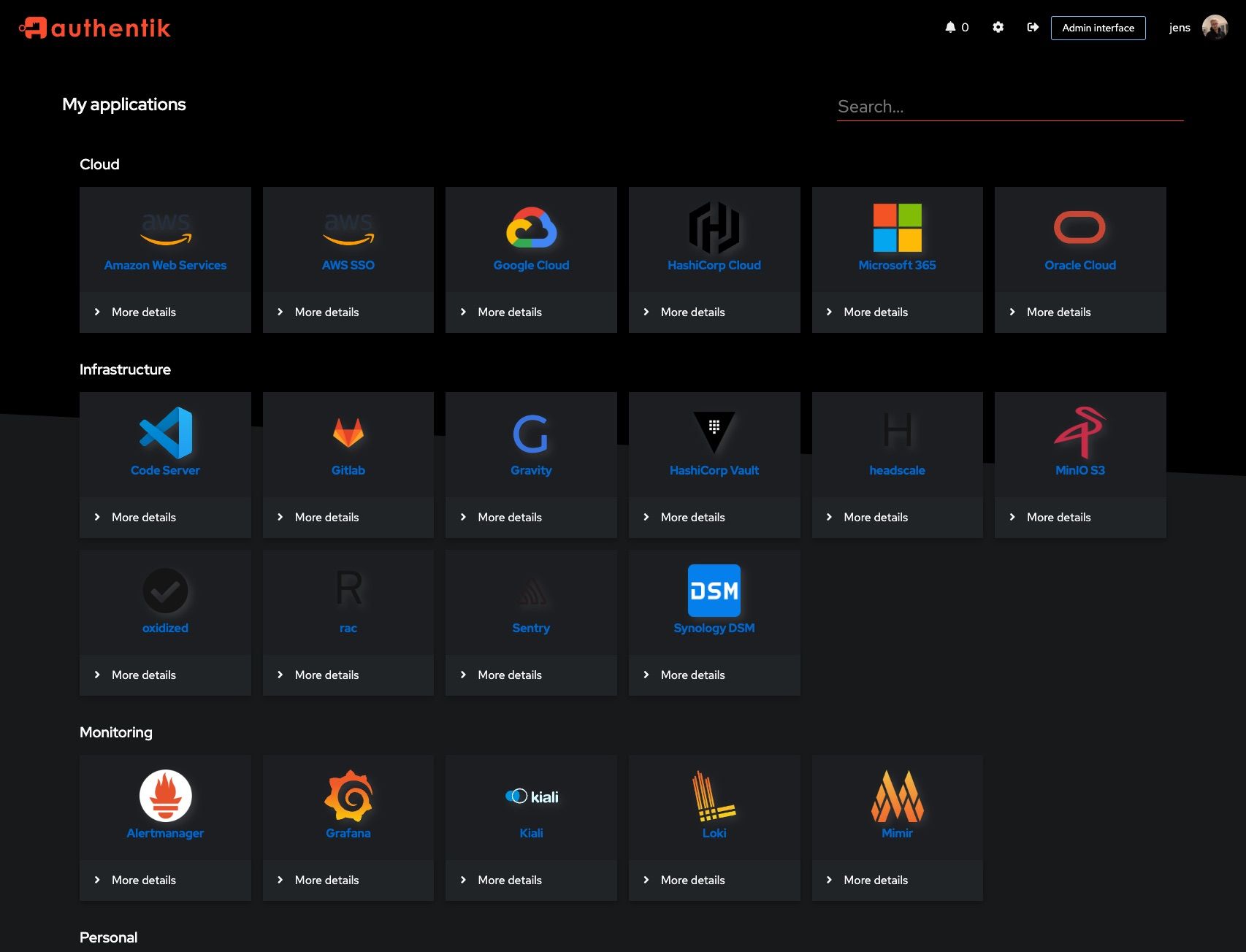 |
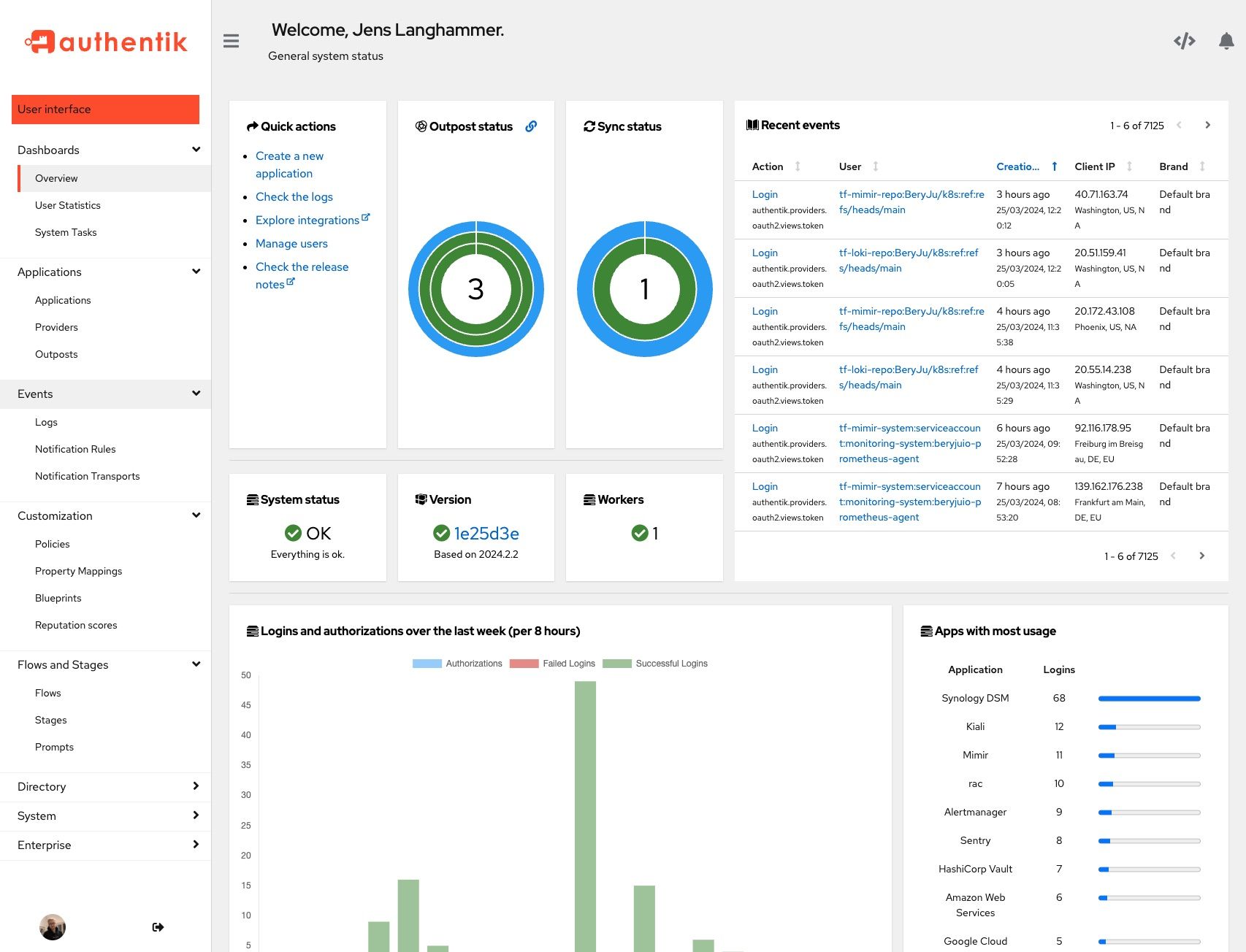 |
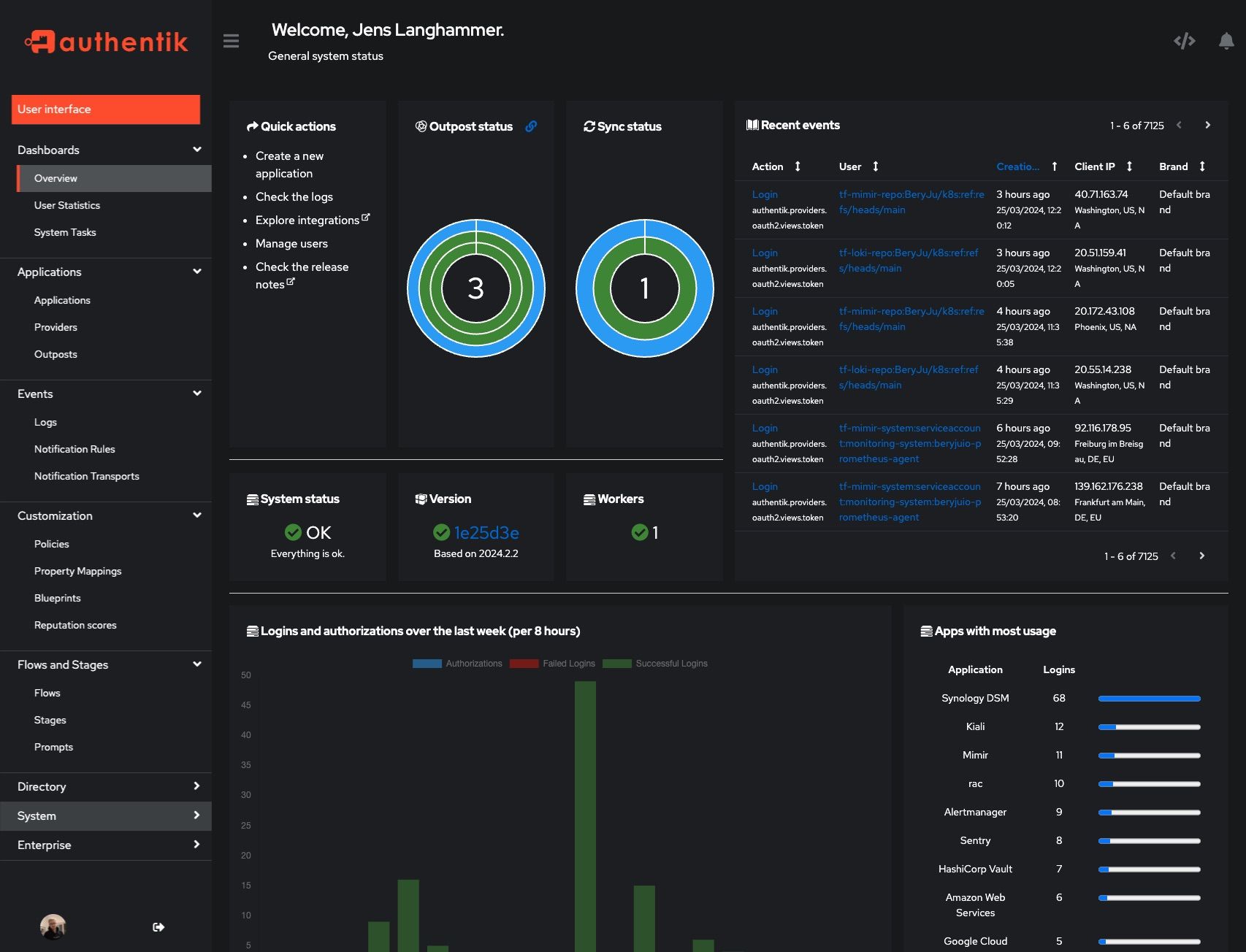 |
Development and contributions
See the Developer Documentation for information about setting up local build environments, testing your contributions, and our contribution process.
When you contribute documentation, either to accompany a code change or as a standalone contribution, please be sure to follow our documentation Style Guide.
Security
Please see SECURITY.md.
Adoption
Using authentik? We'd love to hear your story and feature your logo. Email us at hello@goauthentik.io or open a GitHub Issue/PR!
License



Requirements
Related apps
Explore more like this
Explore allDetails
ghcr.io/goauthentik/server:2025.8.1Runtime arguments
- Web UI
http://[IP]:[PORT:9000]- Network
bridge- Shell
sh- Privileged
- false
Template configuration
Cryptographic key for Authentik.
- Target
- AUTHENTIK_SECRET_KEY
Host/IP of the Redis server.
- Target
- AUTHENTIK_REDIS__HOST
- Default
- redis
- Value
- redis
Password of Redis server.
- Target
- AUTHENTIK_REDIS__PASSWORD
Host/IP of the PostgreSQL database.
- Target
- AUTHENTIK_POSTGRESQL__HOST
- Default
- postgresql16
- Value
- postgresql
Username for PostgreSQL access.
- Target
- AUTHENTIK_POSTGRESQL__USER
- Default
- postgres
- Value
- postgres
Name of the PostgreSQL database.
- Target
- AUTHENTIK_POSTGRESQL__NAME
- Default
- authentik
- Value
- authentik
Password for the PostgreSQL user.
- Target
- AUTHENTIK_POSTGRESQL__PASSWORD
Stores uploaded media and assets.
- Target
- /media
- Default
- /mnt/user/appdata/authentik/media
- Value
- /mnt/user/appdata/authentik/media
Stores custom Authentik templates.
- Target
- /templates
- Default
- /mnt/user/appdata/authentik/templates
- Value
- /mnt/user/appdata/authentik/templates
Web UI and API (HTTP) access port.
- Target
- 9000
- Default
- 9000
- Value
- 9000
Secure Web UI and API (HTTPS) access port.
- Target
- 9443
- Default
- 9443
- Value
- 9443
Enable/disable sending error reports (true/false).
- Target
- AUTHENTIK_ERROR_REPORTING__ENABLED
- Default
- true
- Value
- true
SMTP server hostname.
- Target
- AUTHENTIK_EMAIL__HOST
- Default
- smtp.gmail.com
- Value
- smtp.gmail.com
SMTP server port.
- Target
- AUTHENTIK_EMAIL__PORT
- Default
- 587
- Value
- 587
SMTP account username.
- Target
- AUTHENTIK_EMAIL__USERNAME
- Default
- example@localhost
For Gmail, visit https://myaccount.google.com/apppasswords
- Target
- AUTHENTIK_EMAIL__PASSWORD
Enable TLS for SMTP (true/false).
- Target
- AUTHENTIK_EMAIL__USE_TLS
- Default
- true
- Value
- true
Enable SSL for SMTP (true/false).
- Target
- AUTHENTIK_EMAIL__USE_SSL
- Default
- false
- Value
- false
SMTP timeout in seconds.
- Target
- AUTHENTIK_EMAIL__TIMEOUT
- Default
- 10
- Value
- 10
Default “From” email address.
- Target
- AUTHENTIK_EMAIL__FROM
- Default
- authintik@localhost