
All apps · 0 apps

AURA
Docker app from Mediux-Team's Repository
Overview
Readme
View on GitHub





aura (Automated Utility for Retrieval of Assets) is a visual tool for managing MediUX image assets for your media server. It provides a sleek and intuitive interface to browse, preview, and apply image sets to your library content across platforms like Plex, Emby, and Jellyfin.
Note: This tool is currently in beta. While it has been tested locally, please use it at your own risk.
Key Features
- 🧩 Cross-Server Compatibility: Works with Plex, Emby, and Jellyfin.
- 🖼 Visual Browsing: Preview artwork in a clean, organized interface.
- 🔁 Automated Updates: Save selected image sets and keep them synced automatically.
- 🗄 Local Storage: Option to store images next to your media files for easy access.
- 📦 Docker Support: Easily deploy using Docker or docker-compose.
Demo
Check out the demo of aura in action! You can see how it looks and works before installing.
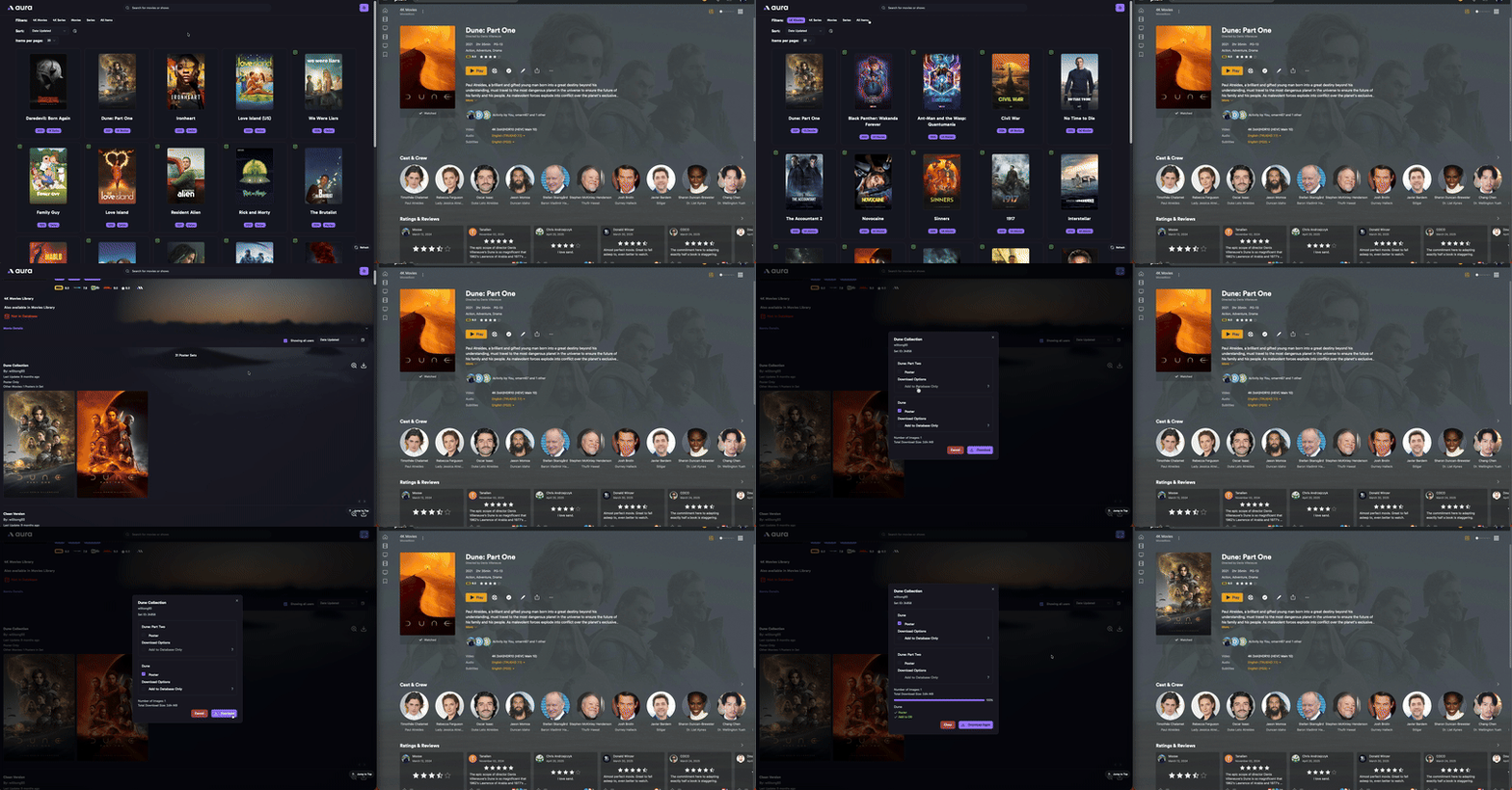
Movie being processed and the results in Plex
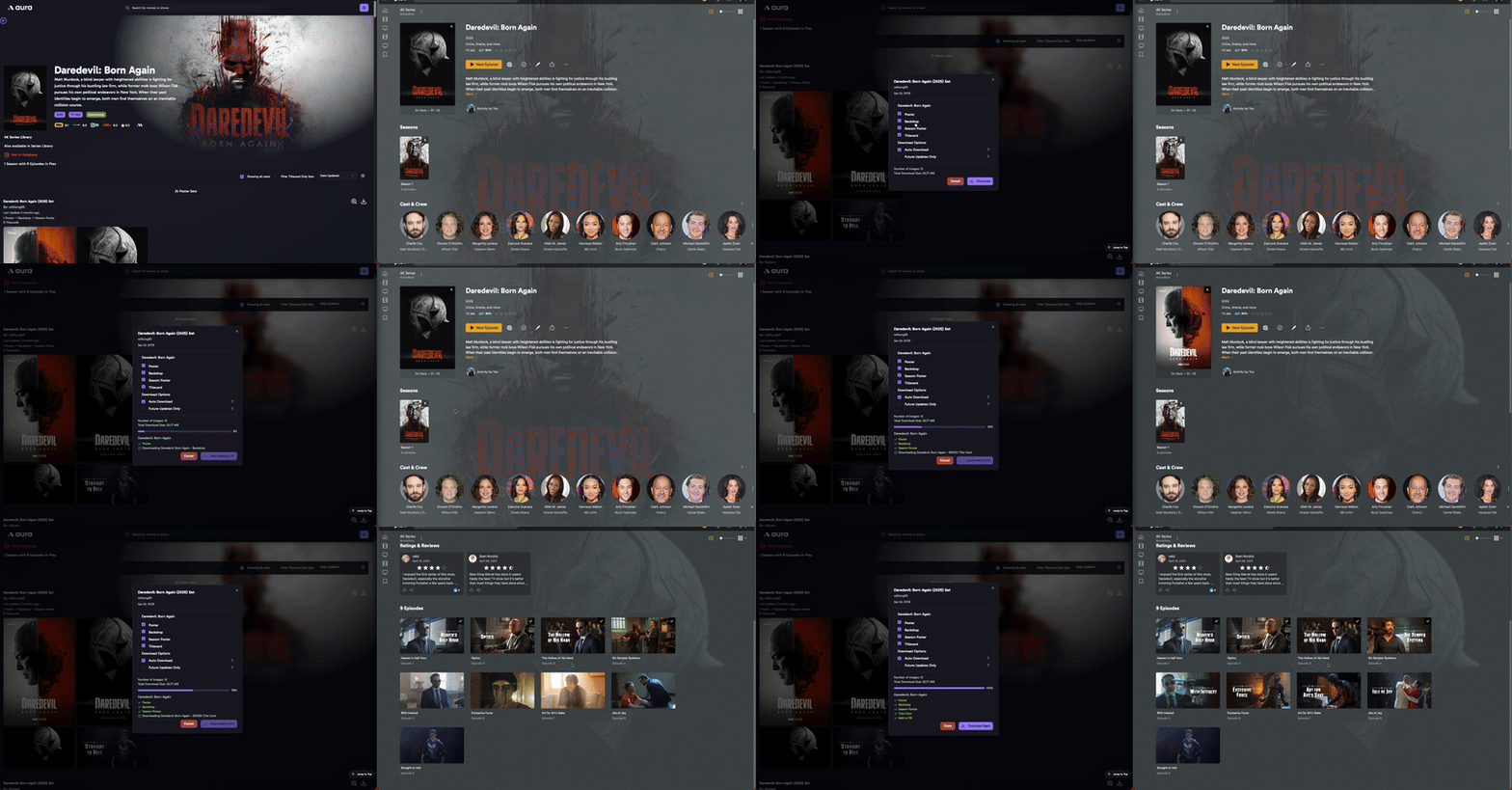
Series being processed and the results in Plex
Getting Started
To get started with aura:
- Install using Docker or docker-compose.
- Visit the web UI at
http://localhost:3000. - Configure the application during the onboarding setup.
- Browse your media server's contents.
- Choose and apply MediUX image sets.
- Optionally save selections for automatic updates.
Visit the Docs for detailed steps.
Note: In order to get an API token for testing, please join the Discord below. Once you have joined, make your way to repo-chats > mediux-team/aura. There is a pinned message that contains a shared token you can use for testing. Once the new MediUX site is live, you will be able to have your own token.
Join the Community
Categories
Related apps
Explore more like this
Explore allDetails
ghcr.io/mediux-team/auraRuntime arguments
- Web UI
http://[IP]:[PORT:3000]- Network
bridge- Shell
sh- Privileged
- false
- Extra Params
--user 99:100
Template configuration
Config Directory. Holds the AURA database (your settings and saved sets) and the logs. Must be on a local disk or pool, not a network share.
- Target
- /config
- Default
- /mnt/user/appdata/aura/
- Value
- /mnt/user/appdata/aura/
Path to the media directory. Both the host and container paths must match the Plex/Emby/Jellyfin/Silo path exactly. Read the configuration guide for more information.
- Target
- /data/media
This is port for the WEB UI/Frontend of the app
- Target
- 3000
- Default
- 3000
- Value
- 3000
Umask for file creation (default 022)
- Default
- 022
- Value
- 022
Set to true only if you are locked out of AURA, for example after a forgotten password or a broken OIDC setup. Log in, fix the Authentication settings, then set this back to false. While it is true, anyone who can reach AURA can use it.
- Target
- AURA_DISABLE_AUTH
- Default
- false
- Value
- false
Set to true to import a config.yaml placed in the Config Directory on the next start, replacing the current settings. Set it back to false afterwards.
- Target
- AURA_IMPORT_CONFIG
- Default
- false
- Value
- false
Optional. Path of the database file. A relative path is inside the Config Directory. Leave empty to use AURA.db in the Config Directory.
- Target
- DATABASE_PATH