
All apps · 0 apps

atrium
Docker app from VibraLabs' Repository
Overview
Features:
- Project management with status tracking
- File sharing with S3/MinIO/R2 or local storage
- Branded client portal
- Email notifications via Resend
- Multi-user with role-based access
Database: Includes a built-in PostgreSQL database by default. To use an existing external database, set "Use Built-in DB" to false and provide your DATABASE_URL.
Readme
View on GitHub

Atrium
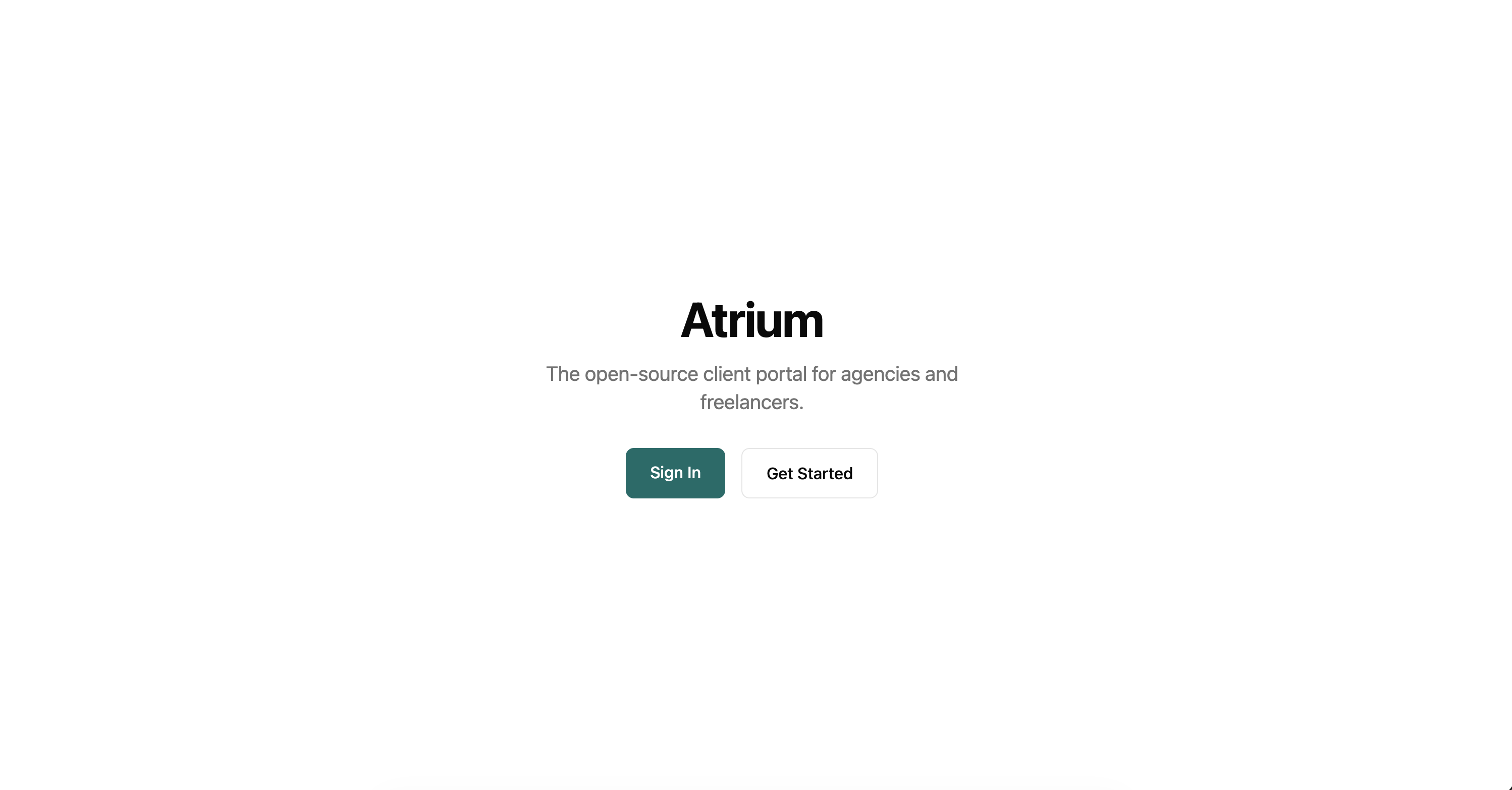
A self-hosted client portal for agencies and freelancers.
Website | Documentation | GitHub Issues
Created by @edgarjc -- Built out of frustration with the tools I was using to manage client work.

Why Atrium?
Most agencies juggle shared drives, spreadsheets, and scattered emails to keep clients in the loop. Atrium replaces all of that with a single branded portal your clients can log into -- no more "can you resend that file?" emails. Unlike managed SaaS platforms, you own the data and host it yourself.
Features
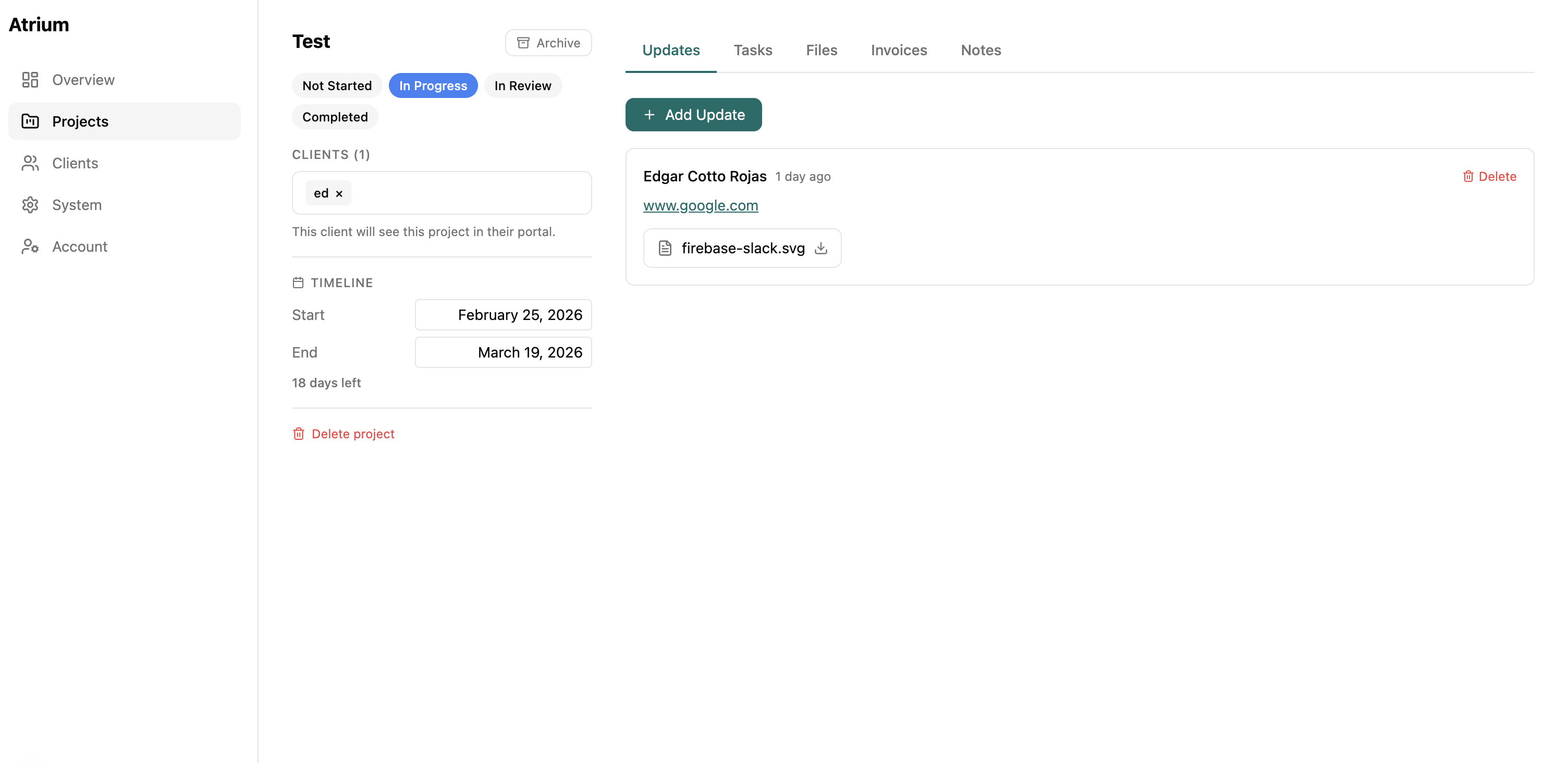
- Project management -- Customizable status pipeline per organization
- File sharing -- Upload and deliver files via S3, MinIO, Cloudflare R2, or local storage
- Invoicing -- Create and send invoices to clients with draft/send workflow
- Client payments -- Clients pay invoices directly via Stripe Checkout (Direct Keys or Connect)
- Global search -- Full-text search across projects, files, clients, and updates
- White-label branding -- Custom colors, logo, and branded login page for your client portal
- Custom domains -- Point your own domain (e.g.
portal.yourcompany.com) to the client portal with automatic SSL - Role-based access -- Owner/admin roles for your team, member role for clients
- Authentication -- Magic link and email/password auth via Better Auth
- Multi-tenant -- Each agency operates as its own isolated organization
- Optional telemetry -- Self-hosters can opt in to share anonymous crash reports to help improve Atrium (see Telemetry)
Tech Stack
| Layer | Technology |
|---|---|
| API | NestJS 11 |
| Frontend | Next.js 15, React 19 |
| Database | PostgreSQL 16, Prisma ORM |
| Auth | Better Auth |
| Styling | Tailwind CSS |
| Resend + React Email | |
| Monorepo | Turborepo + Bun |
Getting Started
Local Development
Prerequisites: Bun (v1.0+) and Docker (for PostgreSQL).
git clone https://github.com/Vibra-Labs/Atrium.git
cd atrium
bun install
bun run setup
bun run dev
This starts the web app at localhost:3000 and the API at localhost:3001. The setup script handles env files, database, and seed data automatically.
Docker (Production)
A pre-built image is available on Docker Hub:
docker pull vibralabs/atrium:latest
The quickest way to run Atrium with PostgreSQL:
curl -O https://raw.githubusercontent.com/Vibra-Labs/Atrium/main/docker-compose.yml
BETTER_AUTH_SECRET=$(openssl rand -base64 32) \
POSTGRES_PASSWORD=your-secure-password \
docker compose up -d
Or build from source:
git clone https://github.com/Vibra-Labs/Atrium.git
cd atrium
docker compose up --build -d
The unified image (vibralabs/atrium) bundles the API, web app, and a Caddy reverse proxy into a single container on port 8080. It works with any container platform — Docker Compose, Coolify, Portainer, Unraid, etc.
First Use
- Open localhost:3000/signup and create your account
- Create projects, upload files, and manage statuses from the dashboard
- Invite clients by email -- they access the client portal at
/portal
Documentation
- Docker Deployment
- Configuration & Environment Variables
- Stripe Payments Setup
- Development Guide & Scripts
- Security
Roadmap
SAML/SSO, contracts & e-signatures, client approval workflows, calendar view, and more. See the full Roadmap.
Contributing
Contributions are welcome! Here's how to get involved:
- Open an issue first -- Whether it's a bug report, feature idea, or improvement, start with a GitHub Issue so we can discuss before you write code.
- Keep PRs focused -- Small, single-purpose pull requests are easier to review and merge.
- Bug fixes and improvements welcome -- New features should be discussed in an issue first to make sure they align with the project direction.
Community & Support
- Bug reports & feature requests -- GitHub Issues
- Questions & discussions -- GitHub Discussions
If you find Atrium useful, consider giving it a star -- it helps others discover the project.
License
Atrium is source-available software licensed under the Elastic License 2.0 (ELv2). You are free to use, modify, and self-host Atrium. The license restricts offering it as a managed service to third parties.
Install Atrium on Unraid in a few clicks.
Find Atrium in Community Apps on your Unraid server, review the template, and click Install. Unraid handles the Docker app or plugin setup from the published template.
Download Statistics
Related apps
Explore more like this
Explore allDetails
vibralabs/atrium:latestRuntime arguments
- Web UI
http://[IP]:[PORT:8080]- Network
bridge- Privileged
- false
Template configuration
Random string (min 32 chars) for signing auth tokens. Generate at: https://generate-secret.vercel.app/32
- Target
- BETTER_AUTH_SECRET
Port for the Atrium web interface
- Target
- 8080
- Default
- 8080
- Value
- 8080
Path to store uploaded files
- Target
- /app/uploads
- Default
- /mnt/user/appdata/atrium/uploads
- Value
- /mnt/user/appdata/atrium/uploads
Use the built-in PostgreSQL. Set to false and provide DATABASE_URL to use an external database.
- Target
- USE_BUILT_IN_DB
- Default
- true
- Value
- true
Path to store built-in PostgreSQL data (only used when built-in DB is enabled)
- Target
- /var/lib/postgresql/data
- Default
- /mnt/user/appdata/atrium/db
- Value
- /mnt/user/appdata/atrium/db
External PostgreSQL connection string. Only needed if built-in DB is disabled. Example: postgresql://user:pass@host:5432/atrium
- Target
- DATABASE_URL
Storage backend: local, s3, minio, or r2
- Target
- STORAGE_PROVIDER
- Default
- local
- Value
- local
S3-compatible endpoint URL (for MinIO, R2, etc.)
- Target
- S3_ENDPOINT
S3 region
- Target
- S3_REGION
- Default
- us-east-1
- Value
- us-east-1
S3 bucket name
- Target
- S3_BUCKET
- Default
- atrium
- Value
- atrium
S3 access key
- Target
- S3_ACCESS_KEY
S3 secret key
- Target
- S3_SECRET_KEY
Resend API key for sending emails (optional)
- Target
- RESEND_API_KEY
From address for outgoing emails
- Target
- EMAIL_FROM
- Default
- noreply@yourdomain.com
- Value
- noreply@yourdomain.com
Maximum file upload size in megabytes
- Target
- MAX_FILE_SIZE_MB
- Default
- 50
- Value
- 50
Skip automatic database schema sync on startup (for pooled connections)
- Target
- SKIP_DB_PUSH
- Default
- false
- Value
- false