
All apps · 0 apps

artillery
Docker app from ObviousViking's Repository
Overview
Readme
View on GitHubArtillery
A web UI for gallery-dl. Create download tasks, schedule them, watch them run. Built to live in Docker on Unraid.
What it does
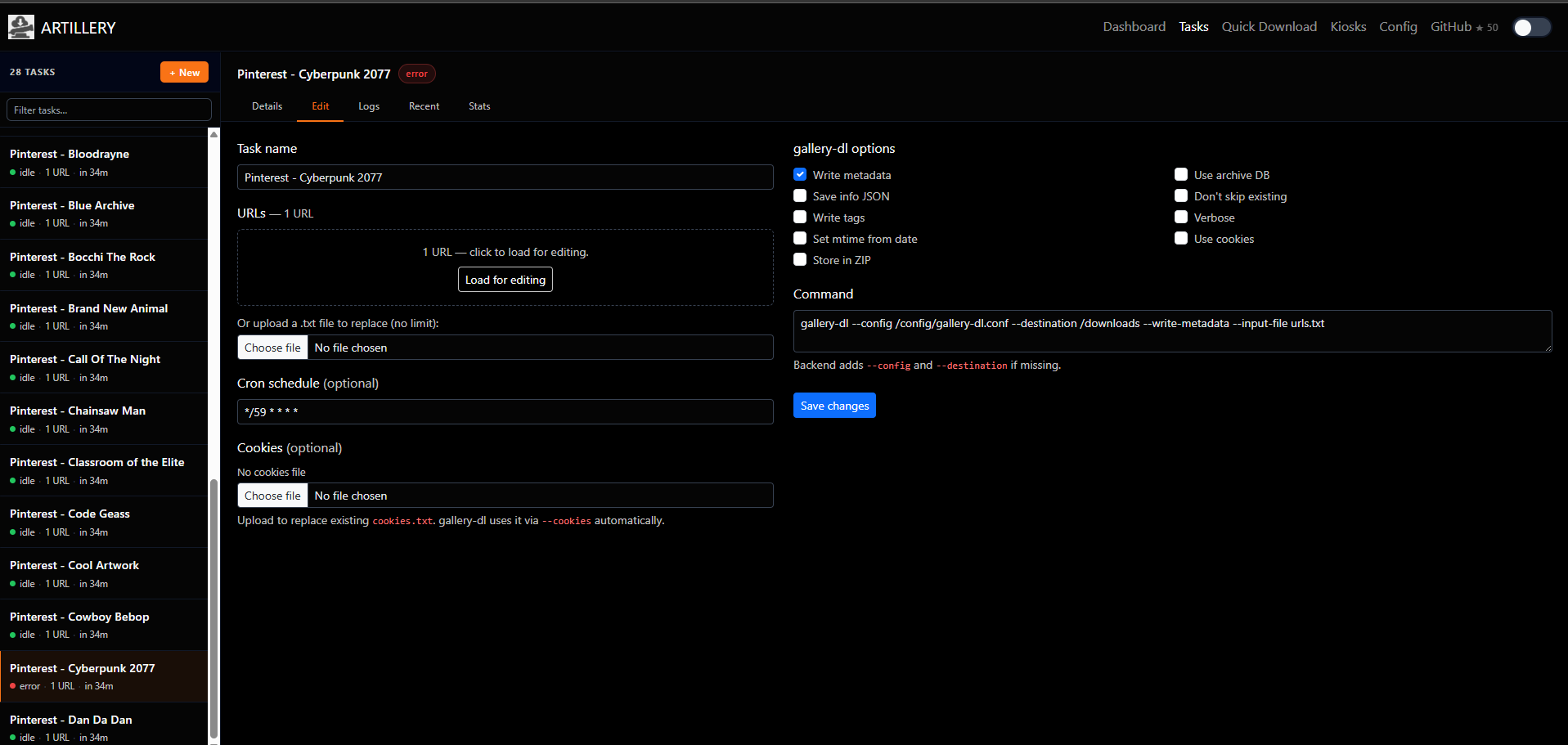
- Tasks — give a task a name, a list of URLs, and a cron schedule. Artillery runs gallery-dl for you and keeps the logs.
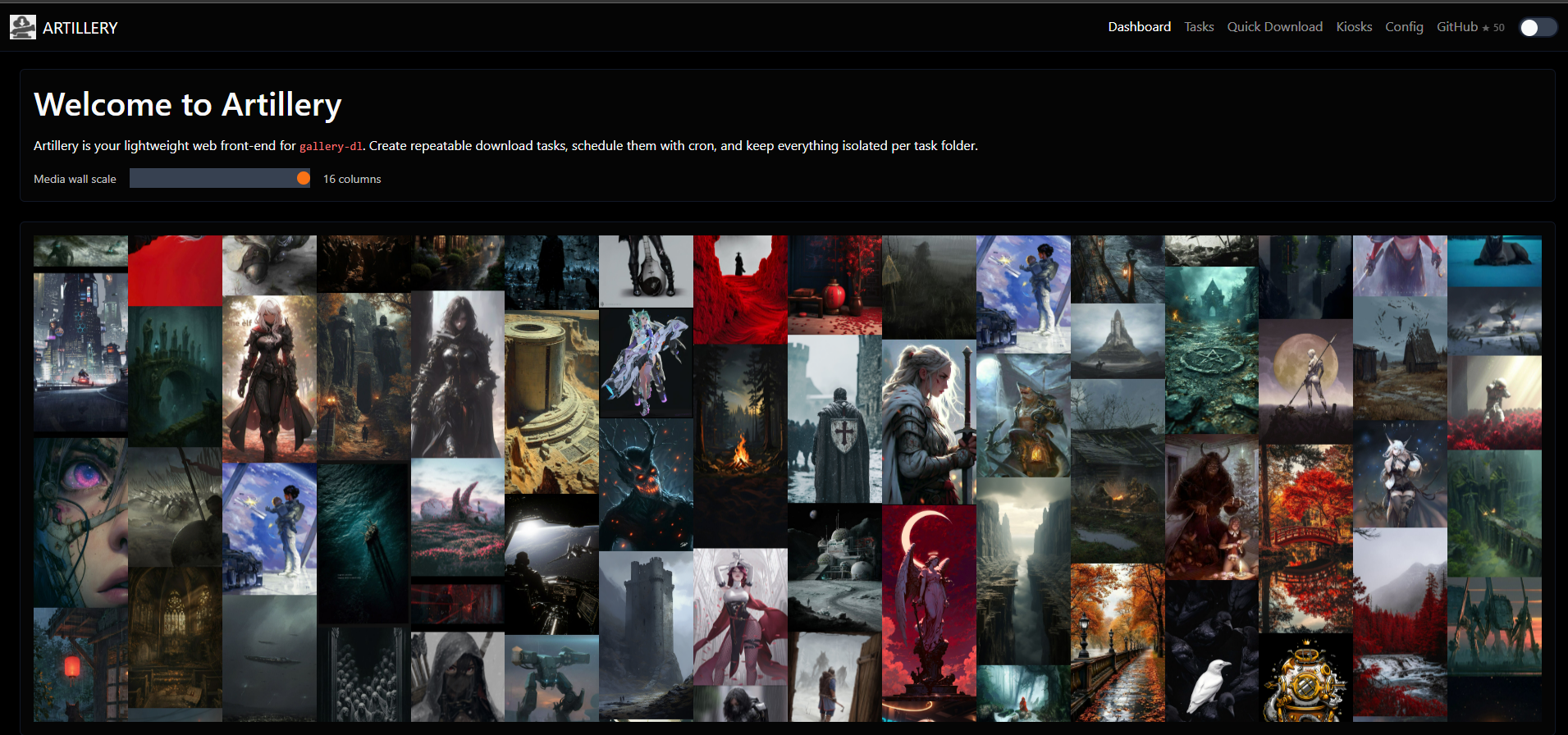
- Media wall — the dashboard shows a scrolling wall of your recent downloads so you can see what came in.
- Quick download — one-off download without creating a task.
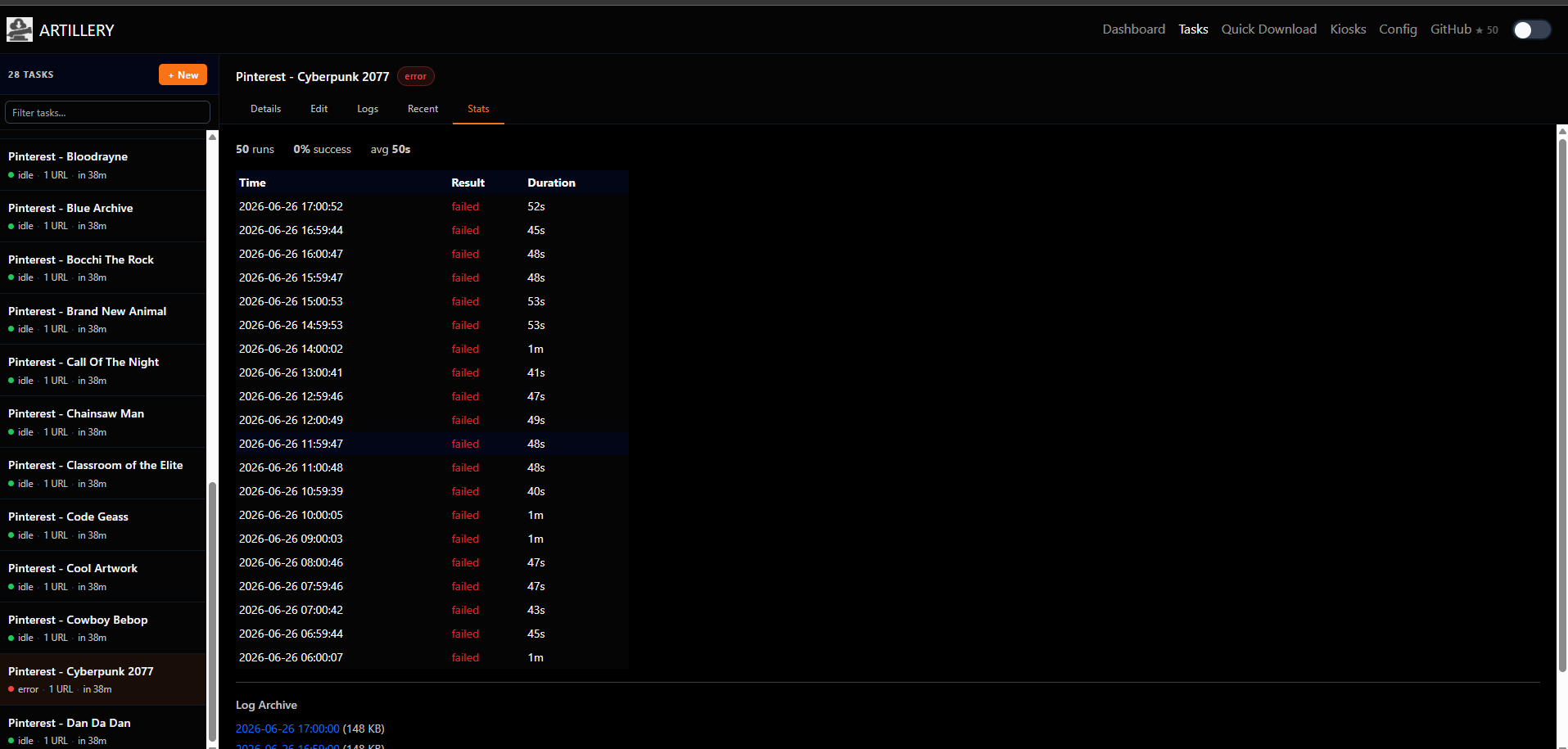
- Stats — per-task run history, success/fail tracking, and downloadable archived logs.
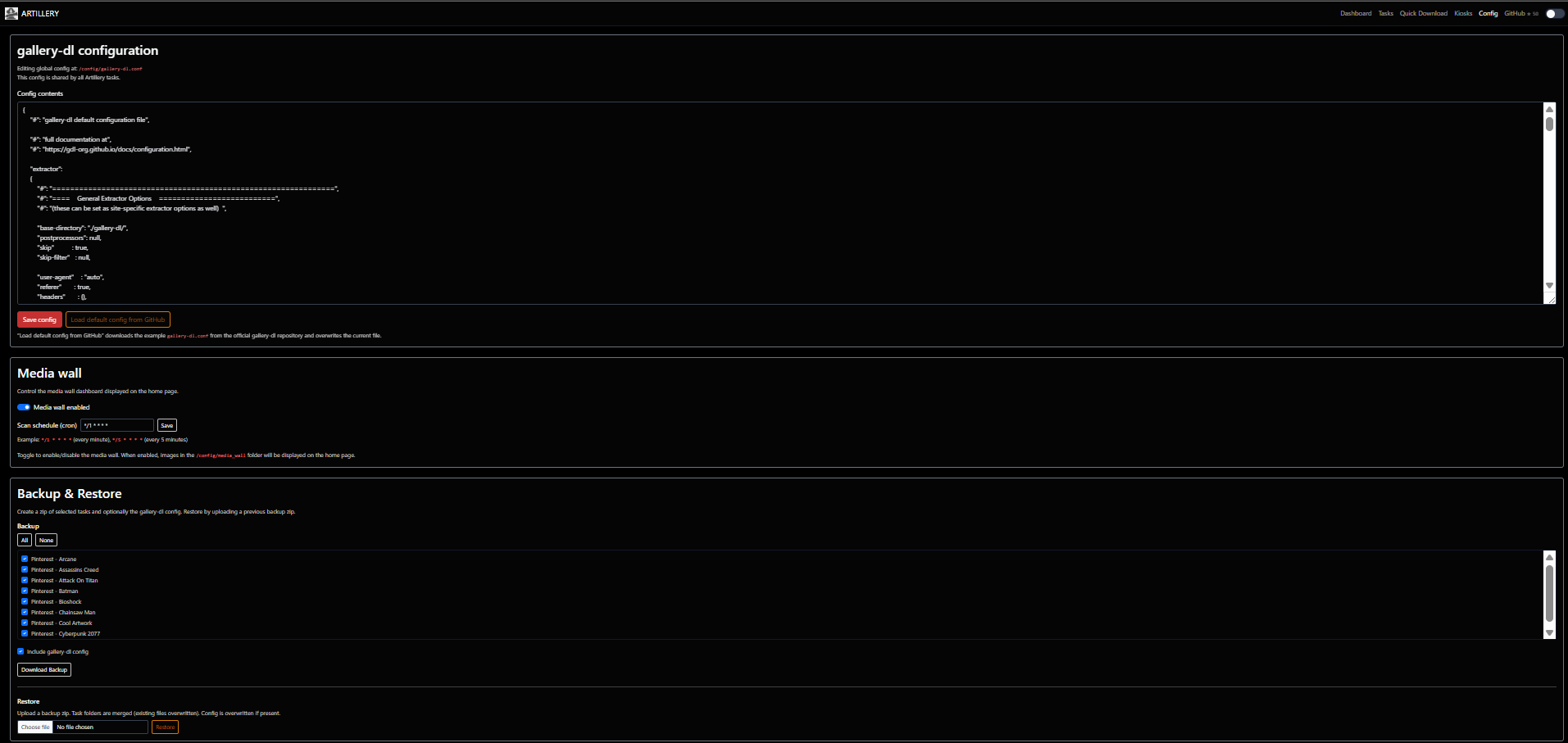
- Config — edit your
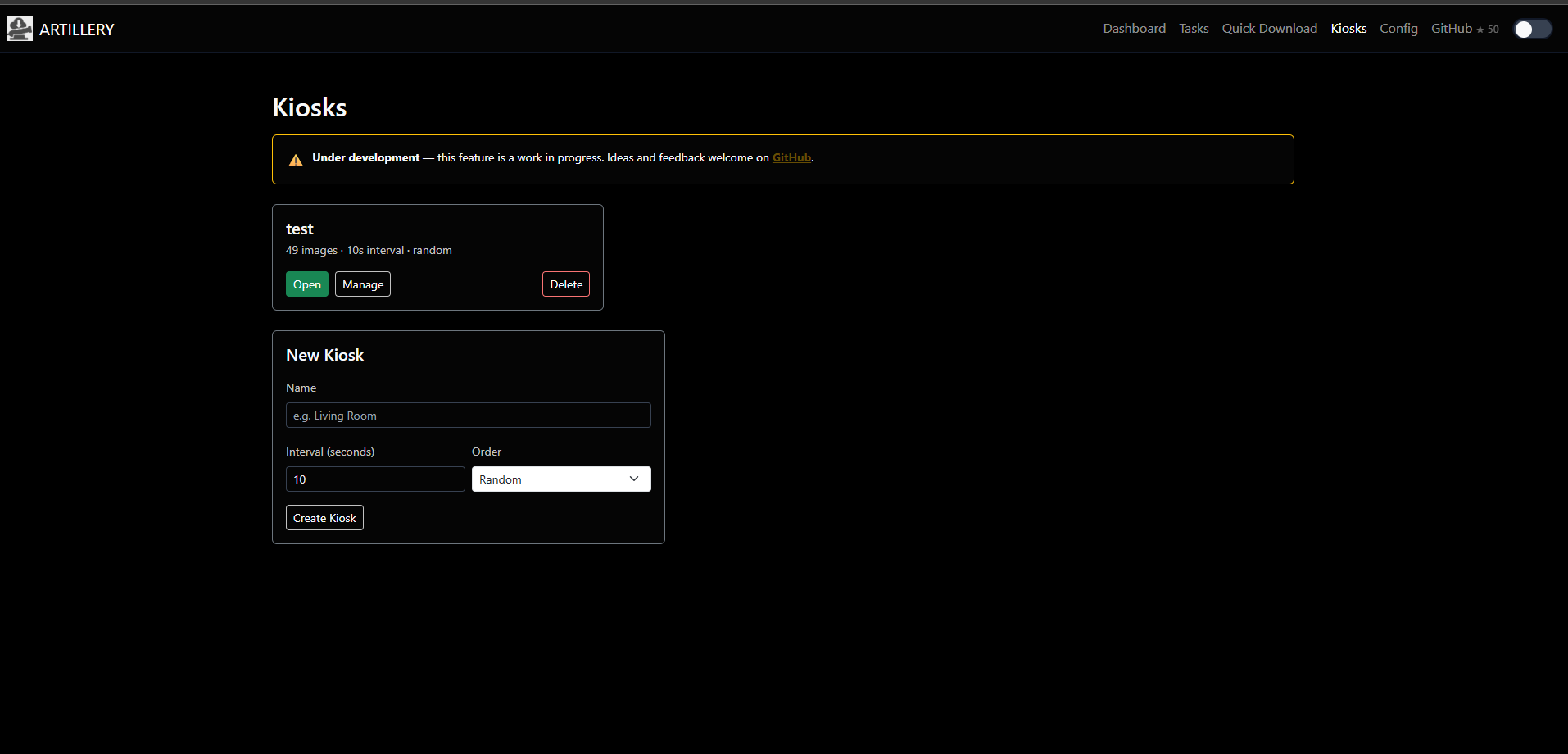
gallery-dl.conffrom the browser. Backup and restore tasks + config as a zip. - Kiosks (early) — upload images and display them fullscreen in a browser. Good for a Pi on a TV.
Screenshots
 |
 |
 |
 |
Docker
docker run -d \
  --name artillery \
  -p 8088:80 \
  -e PUID=99 \
  -e PGID=100 \
  -e TZ=America/New_York \
  -v /mnt/user/appdata/artillery/config:/config \
  -v /mnt/user/appdata/artillery/tasks:/tasks \
  -v /mnt/user/pictures:/downloads \
  obviousviking/artillery
| Volume | Purpose |
|---|---|
/config |
gallery-dl config, task schedules, kiosk data |
/tasks |
one folder per task — logs, URLs, run history |
/downloads |
where gallery-dl puts files |
gallery-dl updates itself on container start.
TZ (e.g. Asia/Seoul, America/New_York) controls the timezone used for scheduling and for timestamps shown in the UI (Stats/History, last run, logs). If it's not set, the container defaults to UTC.
Docker Compose
Prefer Compose? Same setup:
services:
  artillery:
    image: obviousviking/artillery
    container_name: artillery
    ports:
      - "8088:80"
    environment:
      - PUID=99
      - PGID=100
      - TZ=America/New_York
    volumes:
      - ./config:/config
      - ./tasks:/tasks
      - ./downloads:/downloads
    restart: unless-stopped
docker compose up -d
(Windows: point the volumes at whatever local paths you're using, e.g. C:/artillery/config:/config, and drop PUID/PGID — those only matter on Linux hosts.)
Unraid
Install from Community Applications. Map /config and /tasks to appdata, /downloads to wherever your media lives. Set PUID/PGID to match your Unraid user (usually 99/100).
Unraid injects TZ automatically from your server's Date/Time settings, even though it's not a field on the template — so timestamps normally just match your Unraid server's configured timezone with no extra setup. To run Artillery on a different timezone than the rest of your server, add a variable manually: container Edit → Add another Path, Port, Variable, Label or Device → Variable, key TZ, value e.g. Asia/Seoul.
Kiosk mode (dedicated display)
Open a kiosk URL in Chromium with --kiosk and it runs fullscreen with no browser chrome:
# Linux / Raspberry Pi
chromium-browser --kiosk --incognito "http://your-server/kiosk/name"

# Windows
"C:\Program Files\Google\Chrome\Application\chrome.exe" --kiosk "http://your-server/kiosk/name"
The manage page generates these commands for you.
Stack
Flask · gunicorn · gallery-dl · APScheduler · Bootstrap 5 · Docker
Categories
Download Statistics
Total Downloads Over Time
Related apps
Explore more like this
Explore allDetails
obviousviking/artilleryRuntime arguments
- Web UI
http://[IP]:[PORT:80]/- Network
bridge- Shell
sh- Privileged
- false
Template configuration
- Target
- 80
- Default
- 8088
- Value
- 8088
The location of the global gallery-dl config file
- Target
- /config
- Value
- /mnt/user/artillery/config
This is where your downloaded media will be stored
- Target
- /downloads
- Value
- /mnt/user/artillery/downloads
This location will store your scheduled tasks
- Target
- /tasks
- Value
- /mnt/user/artillery/tasks
- Value
- 99
- Value
- 100