
All apps · 0 apps

Alloy
OfficialDocker app from ccmpbll's Repository
Overview
Readme
View on GitHub




Grafana Alloy is an open source OpenTelemetry Collector distribution with built-in Prometheus pipelines and support for metrics, logs, traces, and profiles.
What can Alloy do?
Programmable pipelines: Use a rich expression-based syntax for configuring powerful observability pipelines.
OpenTelemetry Collector Distribution: Alloy is a distribution of OpenTelemetry Collector and supports dozens of its components, alongside new components that make use of Alloy's programmable pipelines.
Big tent: Alloy embraces Grafana's "big tent" philosophy, where Alloy can be used with other vendors or open source databases. It has components to perfectly integrate with multiple telemetry ecosystems:
Kubernetes-native: Use components to interact with native and custom Kubernetes resources; no need to learn how to use a separate Kubernetes operator.
Shareable pipelines: Use modules to share your pipelines with the world.
Automatic workload distribution: Configure Alloy instances to form a cluster for automatic workload distribution.
Centralized configuration support: Alloy supports retrieving its configuration from a server for centralized configuration management.
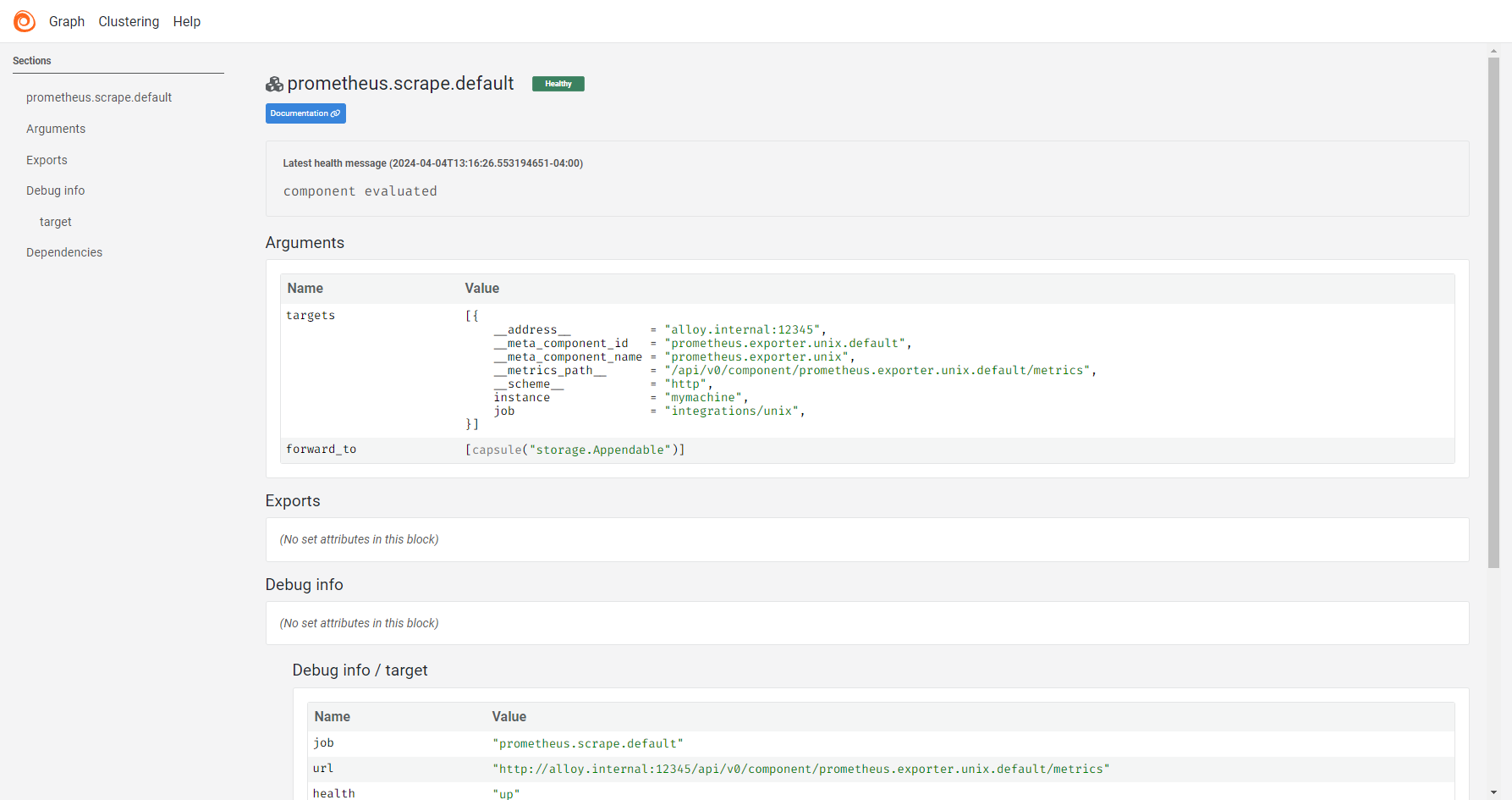
Debugging utilities: Use the built-in UI for visualizing and debugging pipelines.
Example
otelcol.receiver.otlp "example" {
  grpc {
    endpoint = "127.0.0.1:4317"
  }

  output {
    metrics = [otelcol.processor.batch.example.input]
    logs    = [otelcol.processor.batch.example.input]
    traces  = [otelcol.processor.batch.example.input]
  }
}

otelcol.processor.batch "example" {
  output {
    metrics = [otelcol.exporter.otlp.default.input]
    logs    = [otelcol.exporter.otlp.default.input]
    traces  = [otelcol.exporter.otlp.default.input]
  }
}

otelcol.exporter.otlp "default" {
  client {
    endpoint = "my-otlp-grpc-server:4317"
  }
}
Getting started
Check out our documentation to see:
- Installation instructions for Alloy
- Steps for Getting started with Alloy
- The list of Alloy components
Release cadence
A new minor release is planned every three weeks. Patch releases are published every one to two weeks.
The release cadence is best-effort: if necessary, releases may be performed outside of this cadence, or a scheduled release date can be moved forwards or backwards.
Minor releases published on cadence include updating dependencies for upstream OpenTelemetry Collector code if new versions are available. Minor releases published outside of the release cadence may not include these dependency updates.
Patch and security releases may be published at any time.
Community
To engage with the Alloy community:
Chat with us on our community Slack channel. To invite yourself to the Grafana Slack, visit https://slack.grafana.com/ and join the
#alloychannel.Ask questions on the Grafana community site.
File an issue for bugs, issues, and feature suggestions.
Attend the monthly community call.
Contributing
Refer to our contributors guide to learn how to contribute.
Thanks to all the people who have already contributed!
Download Statistics
Total Downloads Over Time
Related apps
Explore more like this
Explore allDetails
grafana/alloy:latestRuntime arguments
- Web UI
http://[IP]:[PORT:12345]- Network
bridge- Shell
sh- Privileged
- false
Template configuration
- Target
- /etc/alloy
- Value
- /mnt/user/appdata/alloy/conf
- Target
- /var/lib/alloy/data
- Value
- /mnt/user/appdata/alloy/data
The name of this Unraid server. Used for tagging logs as they come in.
- Target
- HOSTNAME
- Value
- vault
Port for Syslog receiver.
- Target
- 514
- Default
- 514
- Value
- 514
Port for Web UI.
- Target
- 12345
- Default
- 12345
- Value
- 12345
Path to docker.sock for log retrieval. Read only.
- Target
- /var/run/docker.sock
- Default
- /var/run/docker.sock
- Value
- /var/run/docker.sock