
All apps · 0 apps

Airsonic-Refix-UI
Docker app from grtgbln's Repository
Overview
Readme
View on GitHubAirsonic (refix) UI


Modern responsive web frontend for airsonic-advanced, navidrome, gonic and other subsonic compatible music servers.
Features
- Responsive UI for desktop and mobile
- Browse library for albums, artist, genres
- Playback with persistent queue, repeat & shuffle
- MediaSession integration
- View, create, and edit playlists with drag and drop
- Built-in 'random' playlist
- Search
- Favourites
- Internet radio
- Podcasts
Live demo
Enter the URL and credentials for your subsonic compatible server, or use one of the following public demo servers:
Subsonic
Server: https://airsonic-refix.netlify.app/api
Username: guest4, guest5, guest6 etc.
Password:guest
Navidrome
Server: https://demo.navidrome.org
Username: demo
Password:demo
Note: if the server is using http only you must allow mixed content in your browser otherwise login will not work.
Screenshots
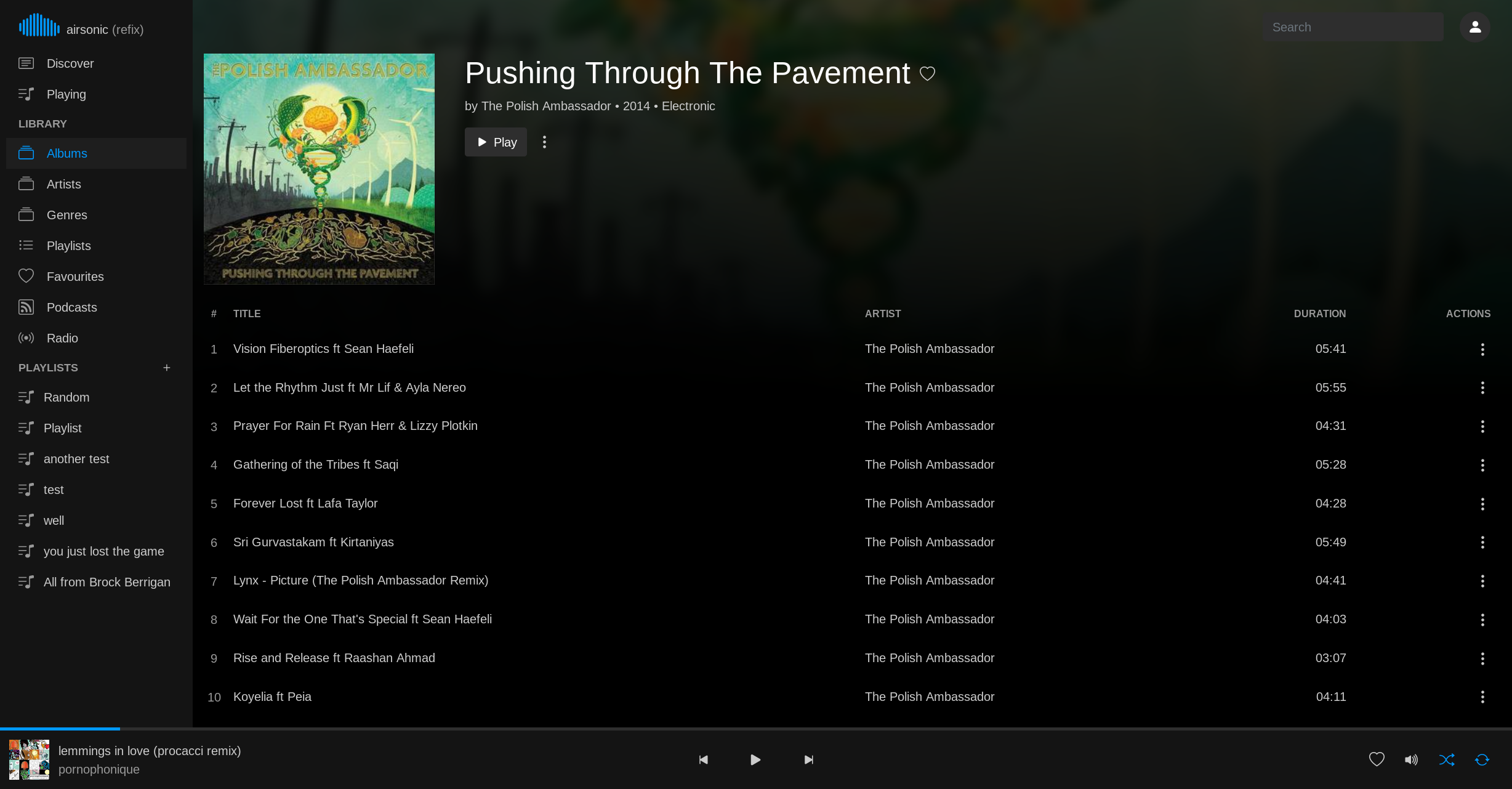
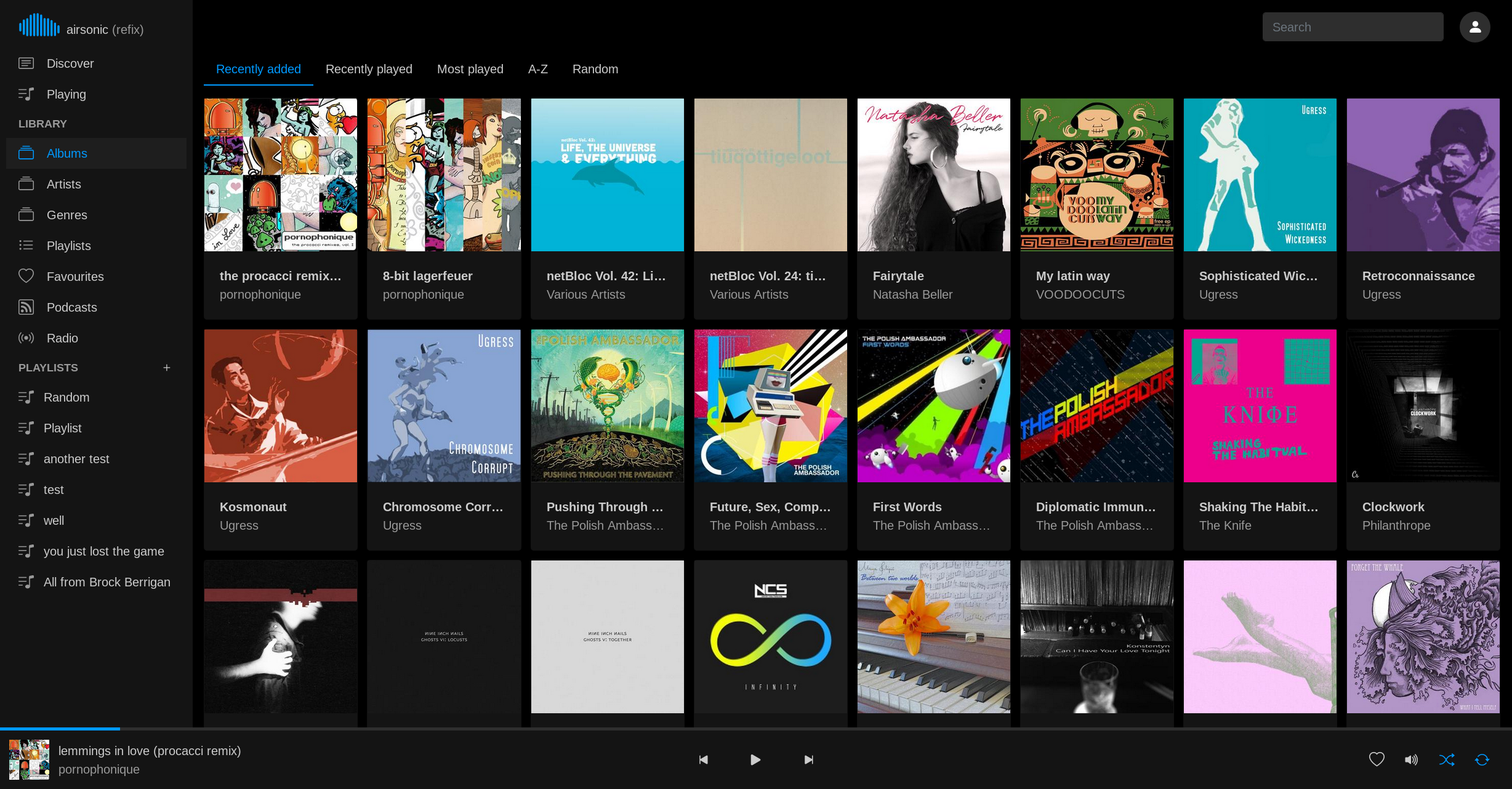
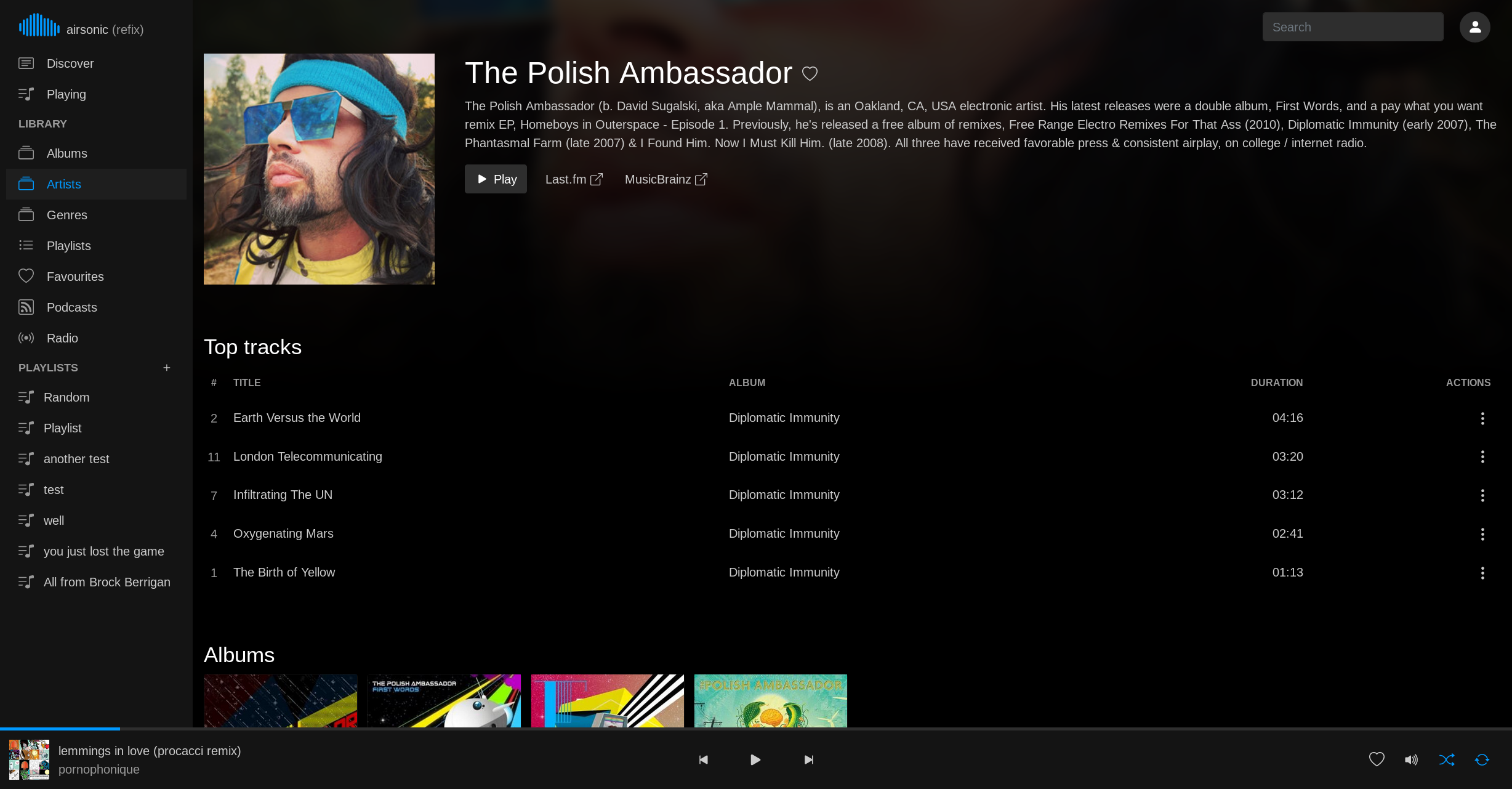
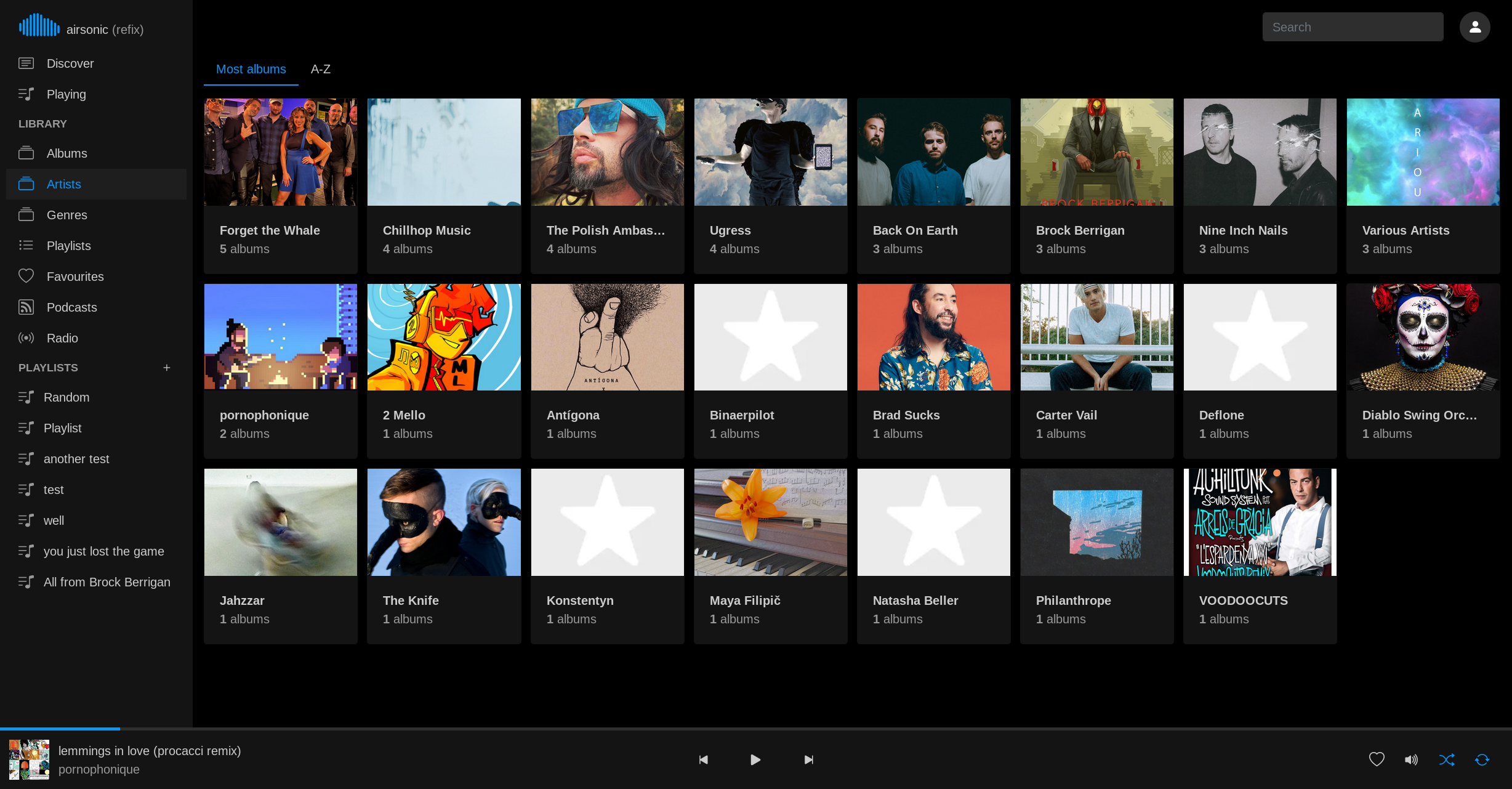
Install
Docker
$ docker run -d -p 8080:80 tamland/airsonic-refix:latest
You can now access the application at http://localhost:8080/
Environment variables:
SERVER_URL(Optional): The backend server URL. When set the server input on the login page will not be displayed.
Pre-built bundle
Pre-built bundles can be found in Releases. Download/extract artifact and serve with any web server such as nginx or apache.
Build from source
$ pnpm install
$ pnpm build
Bundle can be found in the dist folder.
Build docker image:
$ docker build -f docker/Dockerfile .
Develop
$ pnpm install
$ pnpm dev
OpenSubsonic support
- HTTP form POST extension
- Multiple artists/genres
License
Licensed under the AGPLv3 license.
Media gallery
1 / 4Requirements
Requires a separate Subsonic-compatible server.
Download Statistics
Total Downloads Over Time
Related apps
Explore more like this
Explore allDetails
tamland/airsonic-refix:latestRuntime arguments
- Web UI
http://[IP]:[PORT:80]/- Network
bridge- Privileged
- false
Template configuration
Container Port: 80
- Target
- 80
- Default
- 8080
- Value
- 8080
Optional, define Subsonic server URL to bypass input option on login screen.
- Target
- SERVER_URL